

How to get the previous screen back?
17 years ago
Sort by:Oldest
Comments (7)
Related Stories
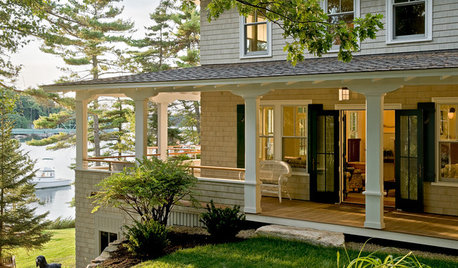
GARDENING AND LANDSCAPING7 Ideas to Get You Back on the Front Porch
Remember the good old days, when porches offered front-row seats to street scenes? They can be even better today
Full Story
SMALL HOMESHouzz Tour: A Beach Cottage Gets Its Vibe Back
Historically accurate details restore the 1940s charm of a Laguna Beach home
Full Story
HOME TECHTech to the Rescue: How to Get Stolen Gadgets Back
Catch any crook who dares steal devices from your home with recording and tracking technology that's easy to use
Full Story
HOUZZ TOURSHouzz Tour: A Texas Home Gets a Healthy, Fresh Start
Mold eradication was just the beginning for this Austin family's home on a creek bed — toxins of all kinds now don't make it past the door
Full Story
PATIOSGet Backyard Privacy the Subtler, Stylish Way
Why settle for a hulking brick wall when plants, screens and other refined backyard dividers do the job with panache?
Full Story
GARDENING GUIDESGet a Head Start on Planning Your Garden Even if It’s Snowing
Reviewing what you grew last year now will pay off when it’s time to head outside
Full Story
COLORFUL HOMESMy Houzz: A 1904 Georgian Colonial Gets a Personal Stamp
Art with a sense of humor rubs elbows with 17th-century features in a 7-bedroom home in a tony Silicon Valley neighborhood
Full Story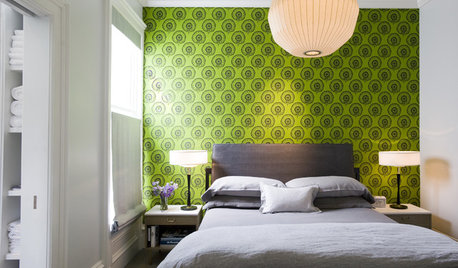
GREAT HOME PROJECTSConsidering Wallpaper? Here's How to Get Started
New project for a new year: Give your room a whole new look with the color, pattern and texture of a wall covering
Full Story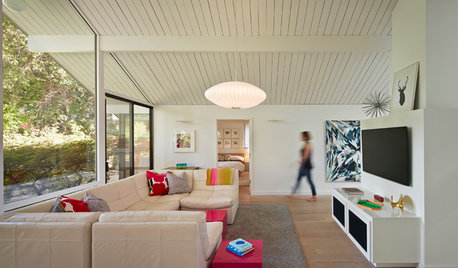
MIDCENTURY HOMESHouzz Tour: An Eichler's Interior Gets a Major Overhaul
Extensive interior work gives a 1973 home in California better flow and a brighter outlook
Full Story
INSIDE HOUZZ9 Power-User Tricks to Get More From Houzz
Search faster and better, tap into design guides, manage your ideabooks and see photos on your flat-screen TV
Full Story
Sponsored
mwoods
blueheronOriginal Author
Related Professionals
Glenwood Springs Landscape Architects & Landscape Designers · Jacksonville Landscape Contractors · Tampa Landscape Contractors · Athens Landscape Contractors · Fort Wayne Landscape Contractors · Newark Landscape Contractors · Saint Marys Landscape Contractors · Santa Barbara Landscape Contractors · Odessa Landscape Contractors · Kissimmee Basement Remodeling · Columbus Basement Remodeling · Beaumont Basement Remodeling · Muncie Basement Remodeling · Amherst Basement Remodeling · Orange County Basement RemodelingblueheronOriginal Author
calliope
blueheronOriginal Author
mwoods
blueheronOriginal Author