

How to Post Pictures!
16 years ago
Sort by:Oldest
Comments (5)

Related Stories
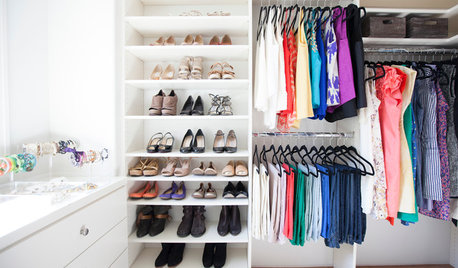
CLOSETSHouzz Call: Is Your Closet a Storage Powerhouse?
We want to see how you are making the most of your closet storage areas. Post pictures and tell us how you’ve organized them
Full Story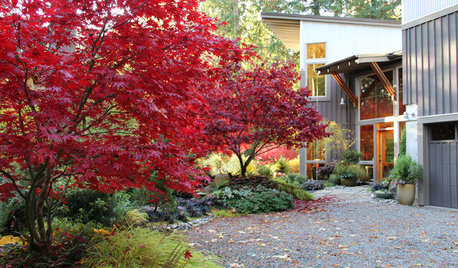
FALL GARDENINGHouzz Call: Show Us Your Fall Color!
Post pictures of your fall landscape — plants, leaves, wildlife — in the Comments section. Your photo could appear in an upcoming article
Full Story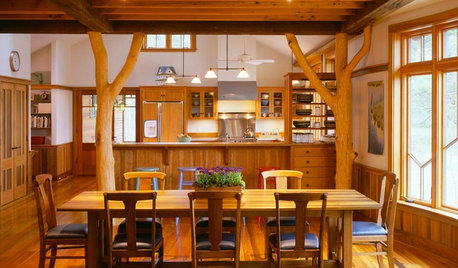
KITCHEN DESIGNOpening the Kitchen? Make the Most of That Support Post
Use a post to add architectural interest, create a focal point or just give your open kitchen some structure
Full Story
ENTRYWAYSGrand Entry Elements: Newel Posts Past and Present
They once spoke to wealth and class, but newel posts today say more about individual style
Full Story
LIFEHouzz Call: Who'll Post the First Snow Photo of 2013?
If the weather's been flaky in your neck of the woods, please show us — and share how you stay warm at home
Full Story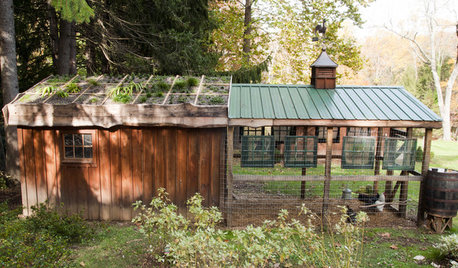
FARM YOUR YARDHouzz Call: Show Us Your One-of-a-Kind Chicken Coops
Do you have a fun or stylish backyard shelter for your feathered friends? Post your pictures and stories in the Comments!
Full Story
KITCHEN DESIGNShow Us Your Compact Kitchen
Do you have a tiny kitchen that works well for you? Post your pictures in the Comments
Full Story
HOLIDAYSHouzz Call: Show Us Your Christmas Tree!
How lovely are your branches? Post a picture and share your stories
Full Story
FALL AND THANKSGIVINGThanksgiving: How to Lounge in Style Post-Feast
After the big meal, decompress on a modern bean bag, day bed, Togo sofa or (even better) just the floor
Full Story
HOLIDAYSHouzz Call: Share Your Personal Holiday Traditions
What winter rituals mean the most to you and yours? Post your stories and pictures
Full Story


swontgirl_z5a
katlynn719
Related Professionals
Concord Landscape Architects & Landscape Designers · Coldwater Landscape Architects & Landscape Designers · Potsdam Landscape Architects & Landscape Designers · Mobile Landscape Contractors · El Dorado Landscape Contractors · Dover Landscape Contractors · Houma Landscape Contractors · Joplin Landscape Contractors · Parkersburg Landscape Contractors · Rockford Landscape Contractors · Stockton Landscape Contractors · Lafayette Home Builders · Williamsport Home Builders · El Paso Home Builders · Redding Home Buildershandyman67
Julia WV (7a)Original Author
phaltyme21