

blocked plug -in..computer ?
14 years ago
Sort by:Oldest
Comments (10)
Related Stories

GREEN BUILDINGOff the Grid: Ready to Pull the Plug on City Power?
What to consider if you want to stop relying on public utilities — or just have a more energy-efficient home
Full Story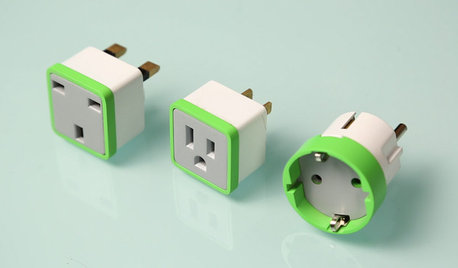
HOME TECHPlug Into Home Power Monitors That Pay for Themselves
Stop throwing away money on wasted electricity with help from new monitors that work with your phone or computer
Full Story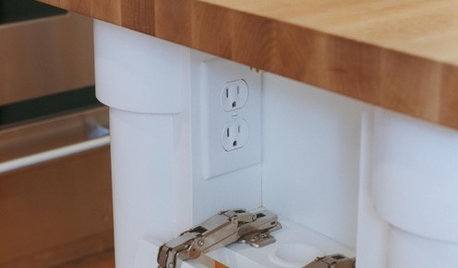
KITCHEN DESIGNHow to Hide Those Plugs and Switches
5 ways to camouflage your outlets — or just make them disappear
Full Story
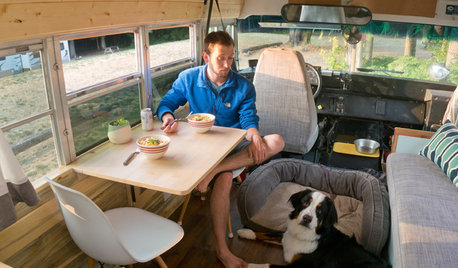
TINY HOUSESAdventure Seekers Hit the Road in a Cozy School Bus Home
Wood floors, butcher block countertops, custom furnishings and LED lights make life on the road feel like just another stylish day at home
Full Story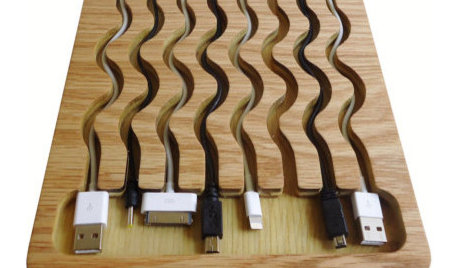
PRODUCT PICKSGuest Picks: Stay Charged
It’s power to the people with the coolest smartphone and tablet chargers, stations and cord organizers on the block
Full Story
ARCHITECTURETime-Tested, Low-Tech Ways to Cool a Home
People have been beating the heat around the world for centuries without plugging anything in. Could these ideas work for your home today?
Full Story
MOST POPULARShould You Keep Your Tub?
There are reasons to have a bathtub, and plenty of reasons not to. Here’s how to decide if you should keep yours or pull the plug
Full Story
HOME OFFICES8 Twists on the Guest Room-Office Combo
In these clever spaces, the TV or computer can play while company's away
Full Story
ECLECTIC HOMESHouzz Tour: Rebooting a 1930s Bungalow in 3 Days
A design team mixes old and new to upgrade a computer science teacher's home in a flash
Full Story
yayagal
UserOriginal Author
Related Professionals
Chattanooga Interior Designers & Decorators · Lufkin Interior Designers & Decorators · McAllen Interior Designers & Decorators · Texarkana Interior Designers & Decorators · Superior Interior Designers & Decorators · Merced Interior Designers & Decorators · San Bernardino Interior Designers & Decorators · Provo Interior Designers & Decorators · Madison Furniture & Accessories · Gulfport Furniture & Accessories · Rock Hill Furniture & Accessories · Charlottesville Furniture & Accessories · Martinsburg Furniture & Accessories · Carson City Furniture & Accessories · Montréal Furniture & AccessoriesUserOriginal Author
theroselvr
UserOriginal Author
UserOriginal Author
theroselvr
yayagal
theroselvr
UserOriginal Author