

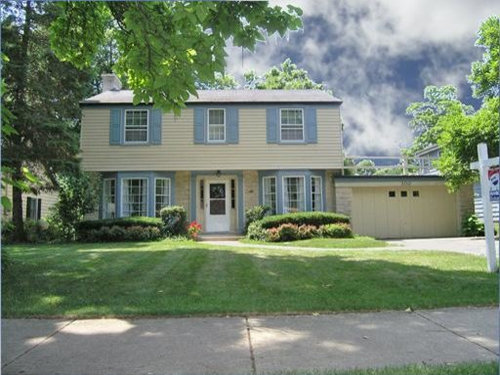
Photoshop help please!!
14 years ago
Sort by:Oldest
Comments (5)
Related Stories

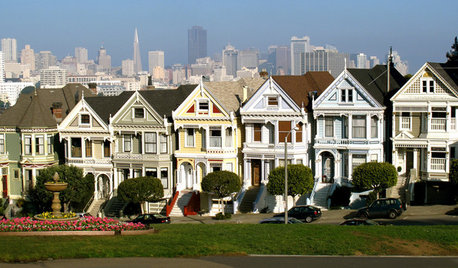
EXTERIORSHelp! What Color Should I Paint My House Exterior?
Real homeowners get real help in choosing paint palettes. Bonus: 3 tips for everyone on picking exterior colors
Full Story
ORGANIZINGHelp for Whittling Down the Photo Pile
Consider these 6 points your personal pare-down assistant, making organizing your photo collection easier
Full Story
HOME OFFICESQuiet, Please! How to Cut Noise Pollution at Home
Leaf blowers, trucks or noisy neighbors driving you berserk? These sound-reduction strategies can help you hush things up
Full Story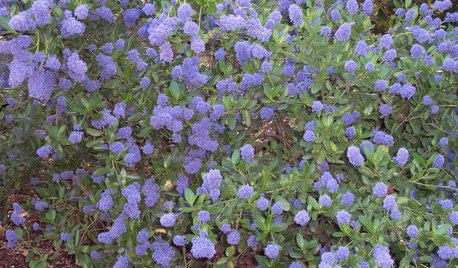
GARDENING GUIDESGreat Design Plant: Ceanothus Pleases With Nectar and Fragrant Blooms
West Coast natives: The blue flowers of drought-tolerant ceanothus draw the eye and help support local wildlife too
Full Story
GARDENING GUIDESGreat Design Plant: Silphium Perfoliatum Pleases Wildlife
Cup plant provides structure, cover, food and water to help attract and sustain wildlife in the eastern North American garden
Full Story
BATHROOM DESIGNUpload of the Day: A Mini Fridge in the Master Bathroom? Yes, Please!
Talk about convenience. Better yet, get it yourself after being inspired by this Texas bath
Full Story
DECORATING GUIDES10 Bedroom Design Ideas to Please Him and Her
Blend colors and styles to create a harmonious sanctuary for two, using these examples and tips
Full Story
DECORATING GUIDESPlease Touch: Texture Makes Rooms Spring to Life
Great design stimulates all the senses, including touch. Check out these great uses of texture, then let your fingers do the walking
Full Story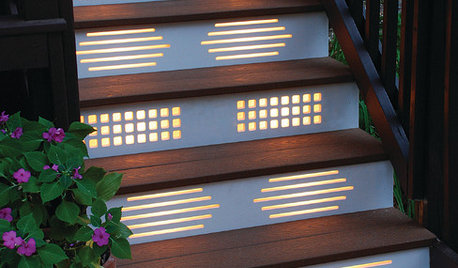
GARDENING AND LANDSCAPINGNo Fall Guys, Please: Ideas for Lighting Your Outdoor Steps
Safety and beauty go hand in hand when you light landscape stairways and steps with just the right mix
Full Story
awm03
jenosOriginal Author
Related Professionals
Houma Interior Designers & Decorators · Modesto Interior Designers & Decorators · Tulsa Kitchen & Bathroom Designers · Des Moines Kitchen & Bathroom Designers · Bangor Kitchen & Bathroom Designers · Albert Lea Kitchen & Bathroom Designers · Oshkosh Kitchen & Bathroom Designers · Modesto Kitchen & Bathroom Designers · Napa Kitchen & Bathroom Designers · Liberal Kitchen & Bathroom Designers · Belleville Furniture & Accessories · Topeka Furniture & Accessories · Columbia Furniture & Accessories · Beatrice Furniture & Accessories · Phoenix Furniture & Accessoriesawm03
jenosOriginal Author
angiedfw