

Is 'Clip this post' a new feature?
18 years ago
Sort by:Oldest
Comments (7)
Related Stories
ARCHITECTUREClipped Gable Roofs Extend Traditional Exterior Style
With a practical function but a pleasing appearance, traditional clipped gables create curb appeal for Craftsman and bungalow homes
Full Story
KIDS’ SPACESClip It Up: 8 Ways to Display Kids’ Art
Creative use of clips and hangers makes it easy to swap your children’s masterpieces in and out
Full Story
REMODELING GUIDES10 Design Features to Kick Your Remodel Up a Notch
You’ve done the legwork on your home renovation or new build. Now it’s time to plan your reward
Full Story

ENTRYWAYSGrand Entry Elements: Newel Posts Past and Present
They once spoke to wealth and class, but newel posts today say more about individual style
Full Story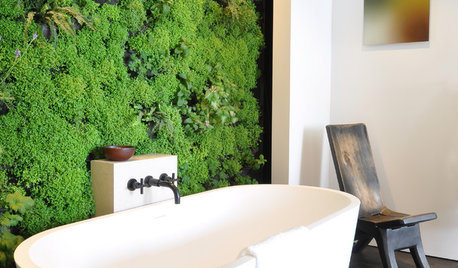
WALL TREATMENTSHouzz Call: Show Us Your Feature Wall
Have you used bold paint, reclaimed wood, living plants or something else to jazz up a wall in your home? We want to see it
Full Story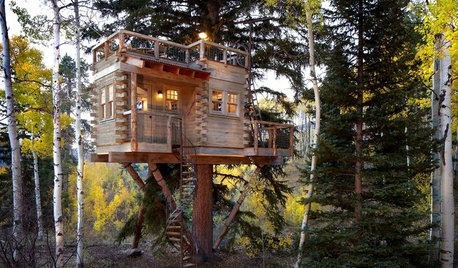
TREE HOUSESHouzz Call: Show Us Your Well-Designed Treehouse or Tree Fort!
Got a great treehouse or tree fort? We want to see it! Post yours in the Comments and we’ll feature the best in a future article
Full Story
SHOP HOUZZShop Houzz: A New Spin
The Jenny Lind trend lives on in tables, chairs, beds and lighting featuring iconic turned posts
Full Story
COASTAL STYLEHouzz Call: Share Your Waterfront Views of Summer
We want to see your favorite coastal-home or shoreline views. Post yours in the Comments, and we’ll feature the best in a future article
Full Story
PETSHouzz Call: Send in the Design Cats
Post your best photo of your cat at home, in the garden or with you in your studio. It could be published in a featured ideabook
Full Story
Sponsored
fran1523
scraphappy
Related Professionals
Mount Vernon Furniture & Accessories · Tupelo Furniture & Accessories · College Station Furniture & Accessories · Sheboygan Furniture & Accessories · Santa Barbara Furniture & Accessories · Kansas City Interior Designers & Decorators · Pueblo Interior Designers & Decorators · Juneau Interior Designers & Decorators · Covington Flooring Contractors · York Flooring Contractors · Marquette Flooring Contractors · Brainerd Flooring Contractors · Erie Flooring Contractors · Carson City Flooring Contractors · Great Falls Flooring Contractorslove2sewOriginal Author
biwako_of_abi
toolgranny
smokiescrafter
love2sewOriginal Author