

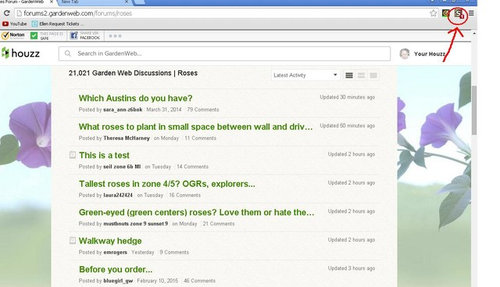
Installing Stylish to change Houzz background (Yipeee!!!)
11 years ago
Featured Answer
Sort by:Oldest
Comments (28)
 11 years ago
- 11 years ago
Related Professionals
Florence Landscape Architects & Landscape Designers · Fall River Landscape Architects & Landscape Designers · Webster Landscape Architects & Landscape Designers · Saginaw Landscape Architects & Landscape Designers · Hackettstown Landscape Architects & Landscape Designers · Boise Landscape Architects & Landscape Designers · Covington Landscape Contractors · Clearlake Landscape Contractors · Mission Viejo Landscape Contractors · Orlando Home Builders · Zanesville Home Builders · Albert Lea Home Builders · Williamsport Home Builders · Grand Junction Home Builders · Williston Home Builders 11 years ago
 11 years ago
 11 years ago
 11 years ago
- 11 years ago
- 11 years agolast modified: 11 years ago
 11 years ago
- 11 years agolast modified: 11 years ago
- 11 years ago
 11 years ago
- 11 years ago
- 11 years ago
 11 years agolast modified: 11 years ago
- 11 years ago
- 11 years ago
- 11 years ago
 11 years ago
 11 years ago
- 11 years ago
- 11 years ago
- 11 years ago
- 11 years ago
- 11 years ago
- 11 years ago



Related Stories
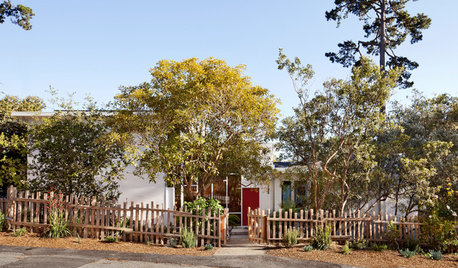
MIDCENTURY HOMESHouzz Tour: Small Changes Earn a Top Green Rating
Remodeling for energy efficiency and sustainability within a quaint town's codes wins LEED platinum certification for a midcentury home
Full Story
HOMES AROUND THE WORLDMy Houzz: London Houseboat Gets a Stylish Renovation
A transport boat from the 1920s is lovingly restored and reinvented as a bright home in the city
Full Story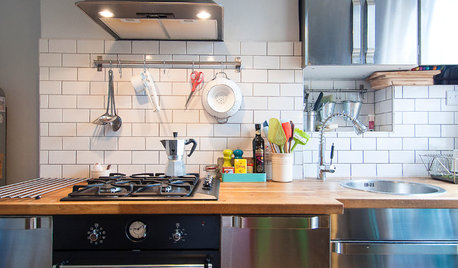
DECORATING GUIDESMy Houzz: A Stylishly Industrial London Flat
Rachel Christie has used her design eye and insider knowledge to create an open and inviting home with a cool edge
Full Story
HOMES AROUND THE WORLDHouzz Tour: A Stylish Alpine Chalet With Incredible Mountain Views
Customized technology, design details and art add to the splendor of this vacation home in the Swiss Alps
Full Story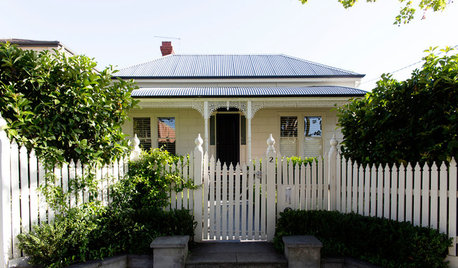
HOMES AROUND THE WORLDMy Houzz: The Stylish Home Behind a White Picket Fence
A family finds much to love about their home near Melbourne, Australia
Full Story
HOUZZ TOURSMy Houzz: Stylish, Family-Friendly Remodel in Pennsylvania
This family with four growing boys renovated their Victorian home to make it both functional and beautiful
Full Story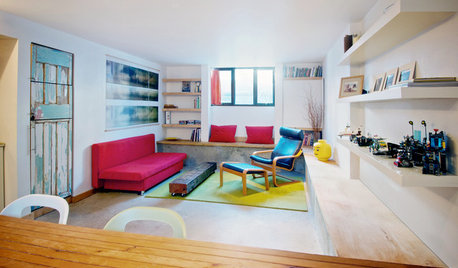
HOUZZ TOURSMy Houzz: Creative Moves Turn a Toronto Basement Into a Stylish Rental
See how two Canadian designers renovated their townhouse's lower level into a bright and modern one-bedroom apartment
Full Story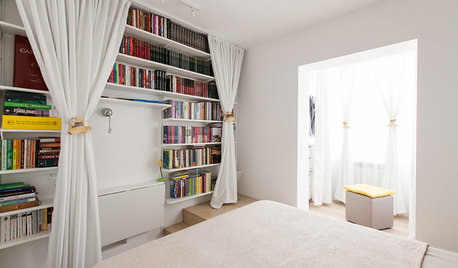
SMALL HOMESHouzz Tour: Stylish Living in Less Than 600 Square Feet
A 1-bedroom apartment becomes a 2-bedroom family home full of smart storage ideas
Full Story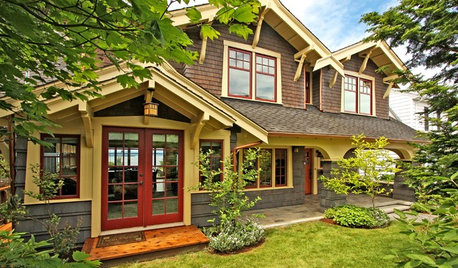
HOUZZ TOURSHouzz Tour: Major Changes Open Up a Seattle Waterfront Home
Taken down to the shell, this Tudor-Craftsman blend now maximizes island views, flow and outdoor connections
Full Story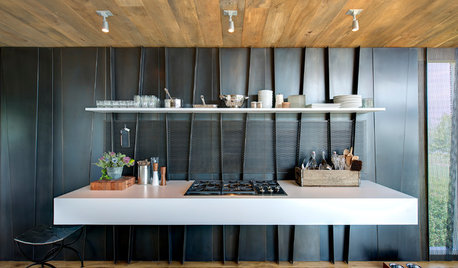
MODERN STYLE12 Stylish Kitchen Counters That Seem to Float in Space
Take your culinary zone to new heights with a cantilevered countertop that’s visually appealing and practical
Full Story


Gemcap