

testing testing....
11 years ago
Sort by:Oldest
Comments (12)
Related Stories
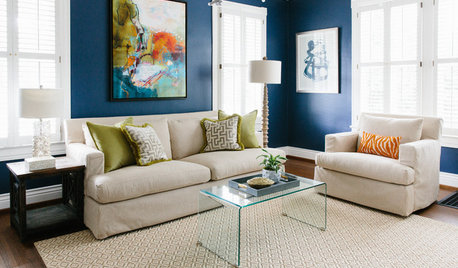
MOST POPULARThe Right Way to Test Paint Colors
Here are 5 key steps to take to ensure you're happy with your wall paint color
Full Story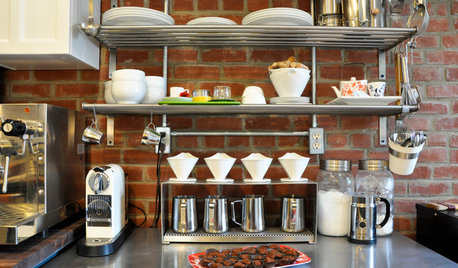
KITCHEN DESIGNSweet Ideas and a Truffle Recipe from a Chocolatier's Test Kitchen
A $2,100 budget didn't mean a half-baked kitchen redo; this confectioner just rolled up her sleeves and rolled out the improvements
Full Story
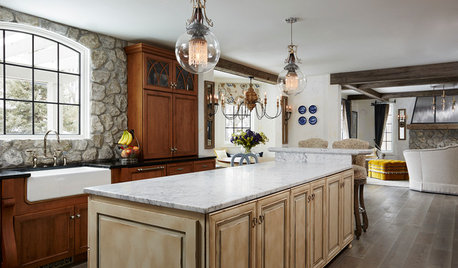
KITCHEN OF THE WEEKKitchen of the Week: Designed to Stand the Test of Time
Ageless beauty abounds in this elegant European-inspired kitchen in Minnesota
Full Story
ARTNew Digital Art Frame Gets Put to the Test
Our writer sets up the EO1 at home, then invites artist friends over for a look — at images of their own work. See what they have to say
Full Story
DECORATING GUIDESTest-Drive a Touch of Neon
It's electric! Learn how to embrace this season's sizzling colors without overcommitting
Full Story
See How TVs Are Passing the Designer Test
Better-looking televisions and electronics come out of the armoire, into the room's design
Full Story
Kit Houses Stand the Test of Time
See how these mass-produced catalog houses have made their way into the modern day
Full Story
ARCHITECTURETime-Tested, Low-Tech Ways to Cool a Home
People have been beating the heat around the world for centuries without plugging anything in. Could these ideas work for your home today?
Full Story
HEALTHY HOMEWhat's the Deal With Radon?
Get the facts on testing for this cancer-causing gas — and how to make your home safe if it shows up
Full Story
Jan Sword-Rossman Realty 239-470-6061
shelley7950Original Author
Related Professionals
Jacksonville Landscape Architects & Landscape Designers · Hopkinsville Landscape Architects & Landscape Designers · Nashville Landscape Architects & Landscape Designers · Hudson Landscape Architects & Landscape Designers · Odessa Landscape Architects & Landscape Designers · Logan Landscape Architects & Landscape Designers · Bloomington Landscape Contractors · Miami Landscape Contractors · Florence Landscape Contractors · Nashua Landscape Contractors · Redding Landscape Contractors · Washington Custom Countertops · San Diego Custom Countertops · Saint George Custom Countertops · Everett Custom CountertopsDenise
Denise
shelley7950Original Author
bouldergrower
shelley7950Original Author
Liberated
Denise
bouldergrower
shelley7950Original Author
sweethearth2015