

Last comment read on thread
10 years ago
Featured Answer
Sort by:Oldest
Comments (19)
Related Professionals
Orangeburg Furniture & Accessories · Knoxville Furniture & Accessories · Abilene Furniture & Accessories · College Station Furniture & Accessories · Bangor Furniture & Accessories · Fayetteville Interior Designers & Decorators · Fort Dodge Interior Designers & Decorators · Fergus Falls Interior Designers & Decorators · Williamsport Interior Designers & Decorators · Bennington Interior Designers & Decorators · Show Low Interior Designers & Decorators · Modesto Interior Designers & Decorators · Savannah Architects & Building Designers · Belleville Architects & Building Designers · Durango Architects & Building Designers 10 years ago
 10 years agolast modified: 10 years ago
- 10 years agolast modified: 10 years ago
- 10 years ago
 10 years ago
- 10 years ago
 10 years ago
 10 years ago
- 10 years ago
 10 years agolast modified: 10 years ago
- 10 years ago
 10 years ago
- 10 years ago
- 10 years ago
 10 years ago
- 10 years ago
Related Stories
You Said It: Hot-Button Issues Fired Up the Comments This Week
Dust, window coverings, contemporary designs and more are inspiring lively conversations on Houzz
Full Story
KIDS’ SPACES9 Pro Tips to Create a Long-Lasting Kids’ Room
Hear what professional designers have to say about turning your nursery into a kids’ room that will last through the preteen years
Full Story
GARDENING GUIDESHow to Design a Garden That Lasts
Climates are changing. Wildlife is evolving. Can your garden keep up?
Full Story
EDIBLE GARDENS8 Last-Minute Additions to a Summer Edible Garden
It’s not too late to get these vegetables and herbs planted for a bountiful harvest this year
Full Story
PLANTING IDEASGreat Garden Combo: A Fall Landscape Scene That Lasts
Span the seasons with trees, shrubs and grasses that offer color and texture in abundance
Full Story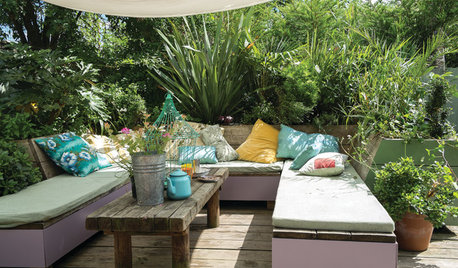
LIFEHouzz Call: Where (and What) Are You Reading This Summer?
Whether you favor contemporary, classic or beach reads, do the long and lazy days of summer bring out the lit lover in you?
Full Story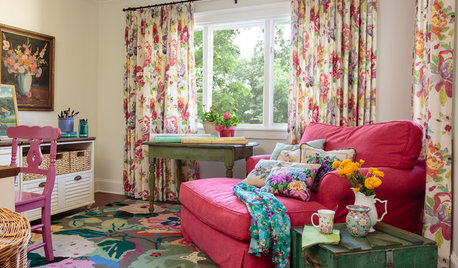
LIFEWhat You’re Reading This Summer — and Where
Check out Houzzers’ summer reading lists and get some ideas for your own!
Full Story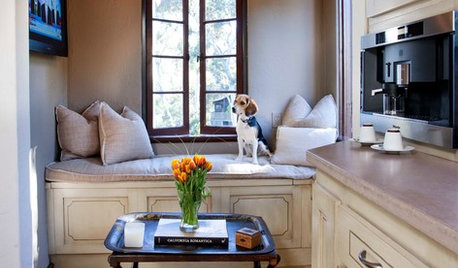
FEEL-GOOD HOME15 Cozy Book Nooks and What They Want You to Read
Put the beach reads away; these comfy spaces are creating a fall reading list. What books do they suggest to you?
Full Story
HOMES AROUND THE WORLDWorld of Design: 11 Book Lovers and Where They Like to Read
Bibliophiles across the globe reveal their top books and favorite reading spots, from a 2-story library to an artfully curated book nook
Full Story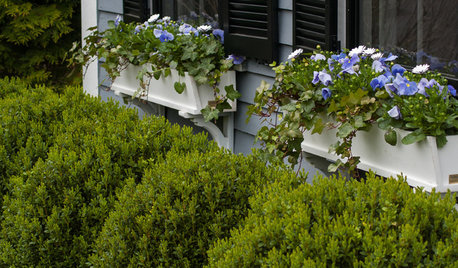
GARDENING GUIDESMake Sure You Read This Before Buying New Plants
Follow these 10 plant-selection tips to avoid buyer’s remorse
Full Story

patty Vinson