

Hint for all about posting problems.
8 years ago
Featured Answer
Sort by:Oldest
Comments (14)
 8 years ago
 8 years ago
Related Professionals
Sarasota Landscape Architects & Landscape Designers · Bowling Green Landscape Architects & Landscape Designers · DeRidder Landscape Architects & Landscape Designers · Elizabeth City Landscape Architects & Landscape Designers · Georgetown Landscape Architects & Landscape Designers · Keene Landscape Architects & Landscape Designers · Wenatchee Landscape Architects & Landscape Designers · New Braunfels Landscape Contractors · Lake City Home Builders · Quincy Home Builders · Hays Home Builders · York Home Builders · Ottumwa Home Builders · Williston Home Builders · Sanford Home Builders- 8 years ago
- 8 years ago
- 8 years ago
 8 years ago
 8 years ago
- 8 years ago
- 8 years ago
 8 years ago
- 8 years ago
- 8 years ago
- 8 years ago
Related Stories
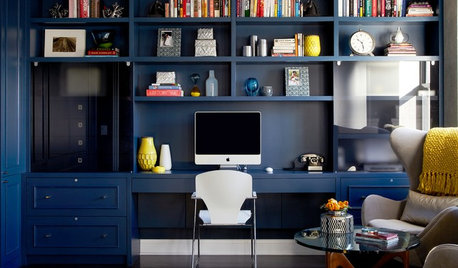
DECORATING GUIDESAll About Hue: Optimal Colors for Every Room in Your House
Experts say some shades work better than others in certain spaces. Here’s why
Full Story
GARDENING GUIDESNew Ways to Think About All That Mulch in the Garden
Before you go making a mountain out of a mulch hill, learn the facts about what your plants and soil really want
Full Story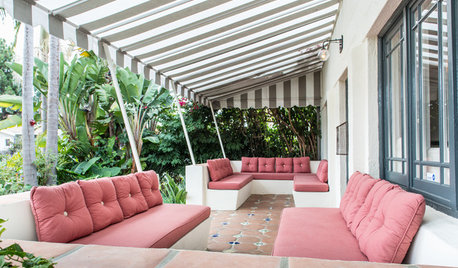
EXTERIORSGreat Design Element Our Grandparents Knew All About: Awnings
This time-tested feature for shading and cooling is enjoying a resurgence
Full Story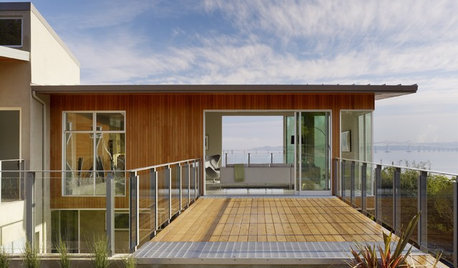
GREEN BUILDINGWhat's LEED All About, Anyway?
If you're looking for a sustainable, energy-efficient home, look into LEED certification. Learn about the program and its rating system here
Full Story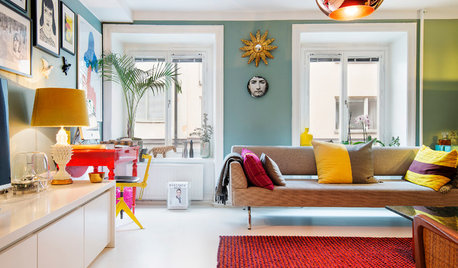
COLORBye-Bye, Minimalist White — The New Nordic Style Is All About Color
The Scandinavian color palette is moving away from pale, cool shades with hot new hues on walls and floors
Full Story
KITCHEN DESIGNStay Cool About Picking the Right Refrigerator
If all the options for refrigeration leave you hot under the collar, this guide to choosing a fridge and freezer will help you chill out
Full Story
FUN HOUZZHouzz Call: Tell Us About Your Dream House
Let your home fantasy loose — the sky's the limit, and we want to hear all about it
Full Story
NATIVE PLANTS5 Ways to Keep Your Native Plant Garden Looking Good All Year
It’s all about planning ahead, using sustainable practices and accepting plants as living organisms
Full Story
HOUZZ TVHouzz TV: 6 Items That Solve Your Jewelry Organization Problems
Quickly find all your accessories thanks to unconventional storage methods
Full Story
HOUZZ TOURSMy Houzz: Comfortable With a Hint of Glam
No suffering for beauty here. This 2-bedroom Tiburon rental is chic and easygoing all at once
Full Story



signet_gw(6b)