

How do you keep your laptop clean?
8 years ago
last modified: 8 years ago
Featured Answer
Sort by:Oldest
Comments (12)
 8 years ago
 8 years ago
Related Professionals
Frisco Furniture & Accessories · Des Moines Furniture & Accessories · Grand Island Furniture & Accessories · New York City Furniture & Accessories · Bakersfield Furniture & Accessories · Fort Myers Interior Designers & Decorators · Merced Interior Designers & Decorators · Roswell Interior Designers & Decorators · Elkton Architects & Building Designers · Bangor Architects & Building Designers · Escanaba Architects & Building Designers · Scranton Architects & Building Designers · San Diego Architects & Building Designers · Minot Architects & Building Designers · Bend Architects & Building Designers 8 years ago
 8 years ago
 8 years ago
 8 years agolast modified: 8 years ago
 8 years ago
 8 years ago
- 8 years ago
 8 years ago
- 8 years ago

Related Stories

HEALTHY HOME10 Keep-the-Dust-Down Cleaning Tips for Allergy Sufferers
These cleaning and decorating tips will help keep everyone breathing easy at home
Full Story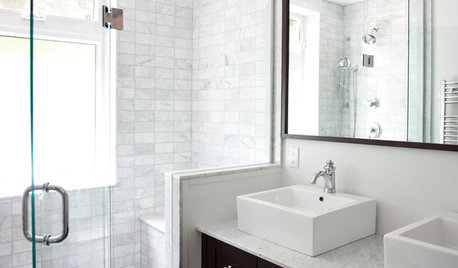
REMODELING GUIDESHow to Keep Your Home's Beautiful Glass Sparkling Clean
A few simple tools and tricks keep water spots and soapy film at bay
Full Story
HOUSEKEEPINGHow to Clean Your Windows and Keep Them Streak-Free
Try these tips, tricks and tools to wash your windows so they’re crystal clear
Full Story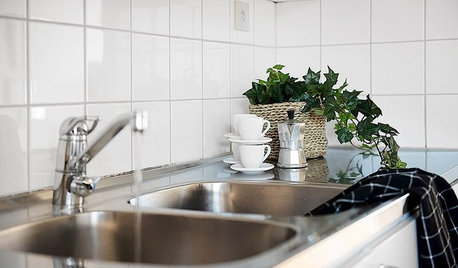
HEALTHY HOMECleaning Routines to Keep Your Home Virus-Free
Follow this CDC advice to make sure your kitchen, bathroom and other high-traffic areas are clean and disinfected
Full Story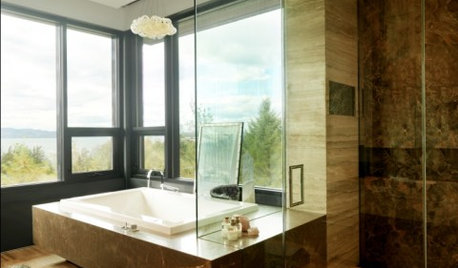
HOUSEKEEPINGGet Glass Windows and Doors Gleaming Clean
Preserve a spotless view with these guidelines for keeping soap scum, hard water spots and dirt at bay on glass surfaces around the home
Full Story
ARTThe Best Ways to Care for, Clean and Store Art
Keep your treasures on canvas and paper in top shape with this expert advice from two gallery directors
Full Story
CLEANINGHow to Clean and Care for Garden Tools
Keep your gardening gear in top shape with these maintenance and storage tips from a horticultural expert
Full Story
KITCHEN DESIGNHow to Keep your Dishwasher in Tip-Top Shape
As your dishwasher goes into overdrive, here are a few tricks for getting your plates, glasses and silverware sparkling clean
Full Story
KITCHEN DESIGNKitchen of the Week: Clean Design and Amazing Views
Hidden storage, clever wine nook and a streamlined design keep a Seattle kitchen simple and modern
Full Story
DECORATING GUIDESClean Start: Fresh-Faced White Planking
White-plank walls add simple style and enough texture to keep things interesting
Full Story

blfenton