

Picture upload
15 years ago
Sort by:Oldest
Comments (6)
Related Stories
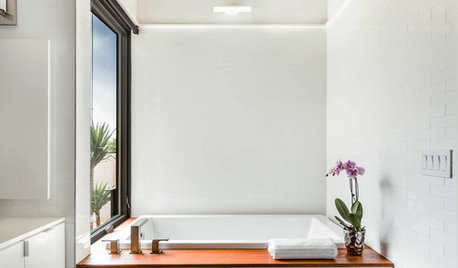
BATHROOM DESIGNUpload of the Day: Worry-Free Wood for the Bathroom
We love this breezy white and wood bathroom from the latest photo uploads. Here’s why it works
Full Story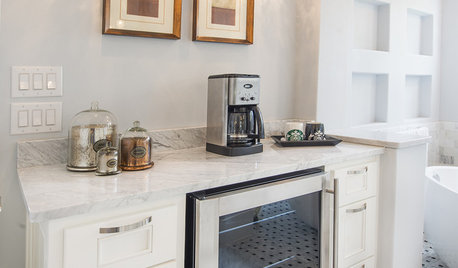
BATHROOM DESIGNUpload of the Day: A Mini Fridge in the Master Bathroom? Yes, Please!
Talk about convenience. Better yet, get it yourself after being inspired by this Texas bath
Full Story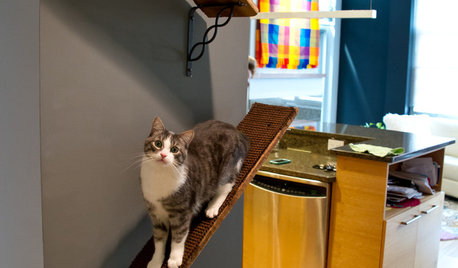
PETSUpload of the Day: Catwalks Keep Pets Happy in a Candy-Colored Condo
Shelves and wall-mounted boxes keep 2 cats active and entertained while their guardian is at work making jelly beans
Full Story
HOME TECHPicture This: Your Digital Photos Deserve Frames Too
Decorate with family memories — and swap them out in an instant — with frames made just for showing and sharing digital photos
Full Story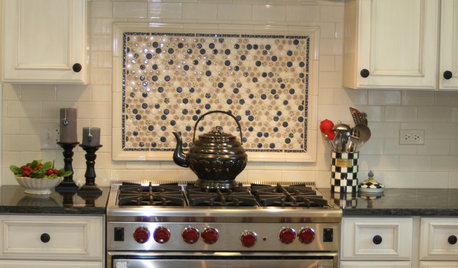
KITCHEN DESIGNKitchen Design: A Picture Frame for Your Backsplash
Frame a tile pattern for a piece of built-in wall art for your kitchen
Full Story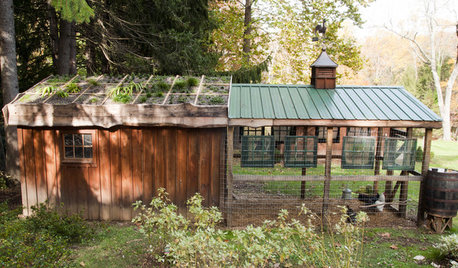
FARM YOUR YARDHouzz Call: Show Us Your One-of-a-Kind Chicken Coops
Do you have a fun or stylish backyard shelter for your feathered friends? Post your pictures and stories in the Comments!
Full Story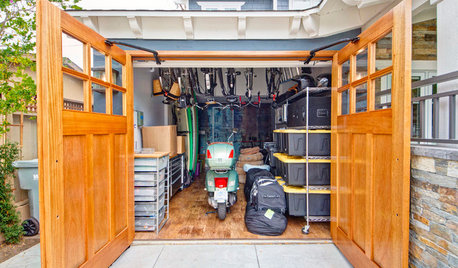
GARAGESHouzz Call: How Do You Put Your Garage to Work for Your Home?
Cars, storage, crafts, relaxing ... all of the above? Upload a photo of your garage and tell us how it performs as a workhorse
Full Story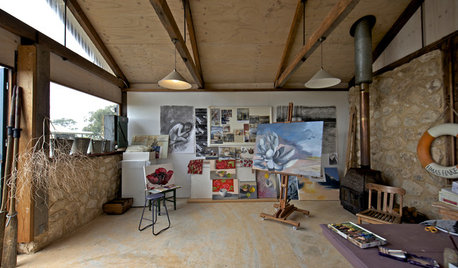
STUDIOS AND WORKSHOPSHouzz Call: Show Us Your Hardworking Studio!
Upload a photo of your home studio or workshop and tell us how you’ve designed it to work extra hard for you
Full Story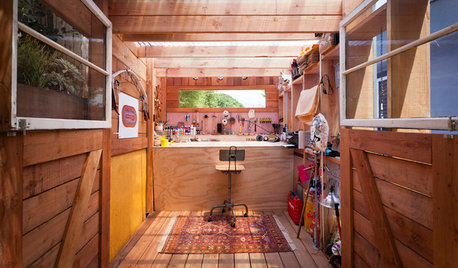
GARDEN SHEDSHouzz Call: Show Us Your Hardworking Garden Shed!
Upload a photo of your backyard shed or greenhouse and tell us how it works for you
Full Story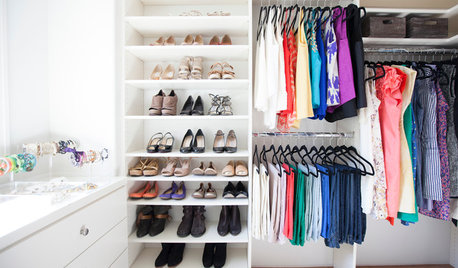
CLOSETSHouzz Call: Is Your Closet a Storage Powerhouse?
We want to see how you are making the most of your closet storage areas. Post pictures and tell us how you’ve organized them
Full Story
jane__ny
helga1Original Author
Related Professionals
Wilmington Landscape Architects & Landscape Designers · Cherry Hill Landscape Architects & Landscape Designers · Temecula Landscape Architects & Landscape Designers · Salem Landscape Architects & Landscape Designers · Wenatchee Landscape Architects & Landscape Designers · Jacksonville Landscape Contractors · Elkton Landscape Contractors · Marinette Landscape Contractors · Merced Landscape Contractors · Mission Viejo Landscape Contractors · Washington General Contractors · Peoria General Contractors · Newark General Contractors · Eau Claire General Contractors · San Angelo General Contractorsjane__ny
helga1Original Author
highjack
helga1Original Author