

hex tiles not flat after install
14 years ago
Sort by:Oldest
Comments (3)
Related Stories
REMODELING GUIDESContractor Tips: How to Install Tile
Before you pick up a single tile, pull from these tips for expert results
Full Story
REMODELING GUIDESDIY: How to Install a Door
Homeowners who aren't afraid of nail guns can tackle their own pre-hung door project in a couple of hours
Full Story
DOORS5 Questions to Ask Before Installing a Barn Door
Find out whether that barn door you love is the right solution for your space
Full Story
BATHROOM DESIGNHow to Match Tile Heights for a Perfect Installation
Irregular tile heights can mar the look of your bathroom. Here's how to counter the differences
Full Story
CONTRACTOR TIPSContractor Tips: Countertop Installation from Start to Finish
From counter templates to ongoing care, a professional contractor shares what you need to know
Full Story
FLOORSWhat's the Right Wood Floor Installation for You?
Straight, diagonal, chevron, parquet and more. See which floor design is best for your space
Full Story
KITCHEN DESIGNHow to Add a Kitchen Backsplash
Great project: Install glass, tile or another decorative material for a gorgeous and protective backsplash
Full Story
FLOORSHow to Get a Tile Floor Installed
Inventive options and durability make tile a good choice for floors. Here’s what to expect
Full Story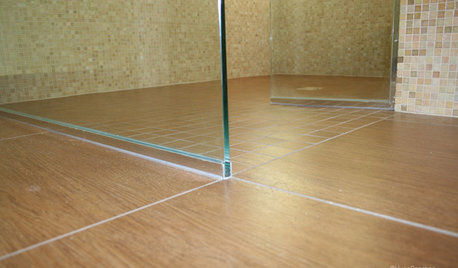
TILEEpoxy vs. Cement Grout — What's the Difference?
Grout is grout, right? Nope. Cement and epoxy versions have different appearances, durability and rules of installation
Full Story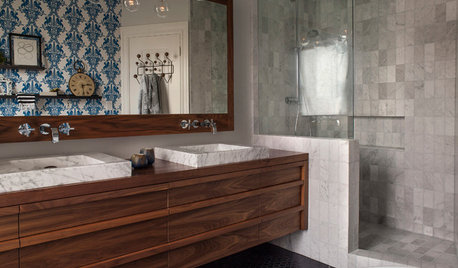
BEFORE AND AFTERSBefore and After: 19 Dramatic Bathroom Makeovers
See what's possible with these examples of bathroom remodels that wow
Full Story
MongoCT
nutherokie_gwOriginal Author
Related Professionals
Vincennes Kitchen & Bathroom Designers · Corpus Christi Kitchen & Bathroom Designers · Parkersburg Kitchen & Bathroom Designers · Niles Kitchen & Bathroom Designers · Worthington Kitchen & Bathroom Designers · New York City Kitchen & Bathroom Designers · Garden City Kitchen & Bathroom Designers · Sarasota Bathroom Remodelers · Chillicothe Bathroom Remodelers · Greenfield Bathroom Remodelers · Albuquerque Bathroom Remodelers · Burlington Tile and Stone Contractors · Victorville Tile and Stone Contractors · Casper Tile and Stone Contractors · Bronx Tile and Stone ContractorsMongoCT