

mouse problems
15 years ago
Sort by:Oldest
Comments (4)
Related Stories
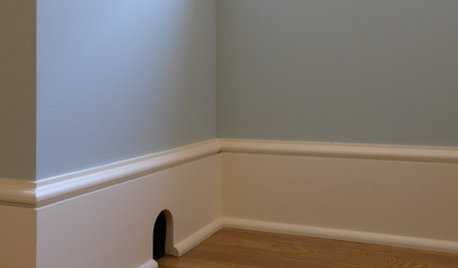
FUN HOUZZThere's a Mouse in the House
No need for 'eek' and capture schemes. These mouse toys, decals and artistic renderings have all the trappings of cute
Full Story
DENS AND LIBRARIESRoom of the Day: Princess the Snake Reigns in a Luxe Library
Sure, there are books. But in this library the custom snake habitat may be most worth checking out
Full Story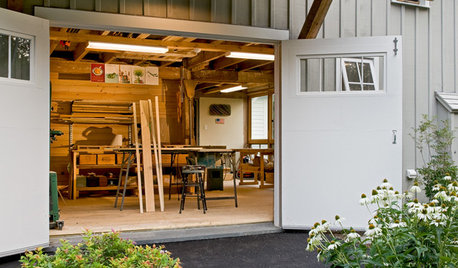
LIFEStressed Out? Try Hitting the Woodshop
Building things with your hands just might boost your mood while giving you personal new pieces for your home
Full Story
HOUSEKEEPINGTo-Dos: Your September Home Checklist
Boost the comforts of home for fall with a few of these ideas for stocking up and staying cozy
Full Story
MOST POPULARHow Bluetooth 4.0 Will Change Remote Control
Manage lights, TV, refrigerators and more through your phone or tablet when the latest wireless technology rolls into all your home devices
Full Story
GARDENING AND LANDSCAPINGDouble Take: Is This an Ice Block in an Australian Backyard?
Or maybe it's a magical dais or a crystal sculpture. Take a guess, then see if you got it right
Full Story
HOUZZ TOURSMy Houzz: An 18th-Century Cottage on a Tiny English Island
Once a place for a miller to store his cart, this tiny building is now a cozy home, redesigned using reclaimed materials
Full Story
LIFEMake Money From Your Home While You're Away
New services are making occasionally renting your home easier than ever. Here's what you need to know
Full Story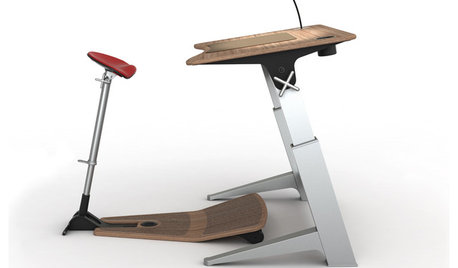
HOME OFFICESStand-Up Desks Rise to Health Challenges
Sitting all day may be wrecking your health. Are you going to stand for that?
Full Story
HOUZZ TOURSMy Houzz: Thrifted Chic With Art Deco Touches in Brussels
Online and flea market finds form a happy union with art deco pieces and DIY projects in this Belgian family's home
Full Story
More Discussions

owbist
nelles_gwOriginal Author
kudzu9
bob414