

Installing the latest Adobe Flash Player
17 years ago
Sort by:Oldest
Comments (4)
Related Stories
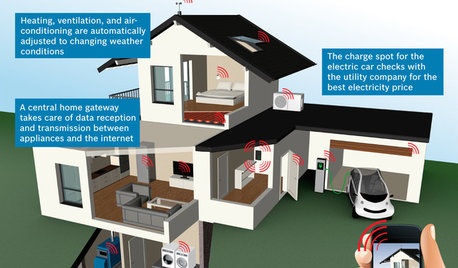
THE HARDWORKING HOMECES 2015: Inching Toward a Smarter Home
Companies are betting big on connected devices in 2015. Here’s a look at what’s to come
Full Story
EVENTSTrends from the Front Lines of Furniture Design
See what’s hot in furniture again through the designers’ offerings at the 2014 ICFF
Full Story
BATHROOM DESIGNHow to Settle on a Shower Bench
We help a Houzz user ask all the right questions for designing a stylish, practical and safe shower bench
Full Story
HOME TECHMeet the New Super Toilets
With features you never knew you needed, these toilets may make it hard to go back to standard commodes
Full Story
DECORATING GUIDESTGIR: The Case of the Disappearing TV
They Got It Right: If you can’t beat it, camouflage it. See how these designers made TV screens almost unnoticeable
Full Story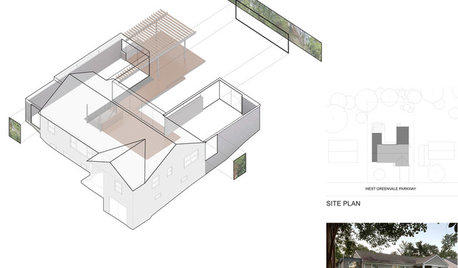
DESIGN PRACTICEDesign Practice: How to Pick the Right Drawing Software
Learn about 2D and 3D drawing tools, including pros, cons and pricing — and what to do if you’re on the fence
Full Story
FUN HOUZZBinge on the Design of ‘House of Cards’
Pull up a seat to Netflix’s addictive political drama for sets and fashions rife with intrigue
Full Story
More Discussions

mikie_gw
ravencajun Zone 8b TX
DA_Mccoy
mikie_gw