

Honeywell 8000 settings
17 years ago
Sort by:Oldest
Comments (8)
Related Stories
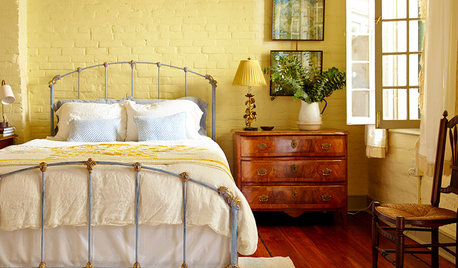
COLORSet the Mood: 4 Colors for a Cozy Bedroom
Look to warm hues for that snuggle-friendly feeling
Full Story
REMODELING GUIDESWhere to Splurge, Where to Save in Your Remodel
Learn how to balance your budget and set priorities to get the home features you want with the least compromise
Full Story
GREAT HOME PROJECTSWhat to Know About Adding a Backyard Bocce Ball Court
A regulation court in a relaxed setting helps you get the most from the Italian pastime. Here's what it takes to build one at home
Full Story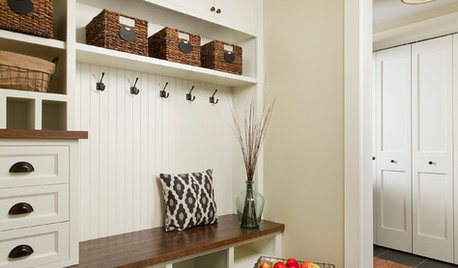
THE HARDWORKING HOMEHow to Design a Marvelous Mudroom
Architects and designers tell us how to set up one of the toughest rooms in the house
Full Story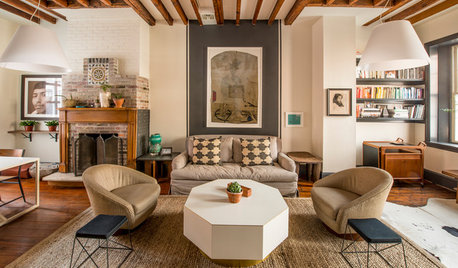
DECORATING GUIDESRoom of the Day: Midcentury Modern Meets the 1840s
Milo Baughman chairs and black lacquer find a home in a traditional setting, making for a cool, eclectic Pennsylvania living room
Full Story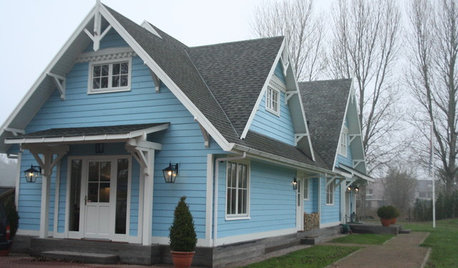
HOUZZ TOURSMy Houzz: Canadian Cottage in the Netherlands
Visit a thoughtfully-designed Arts and Crafts home with Canadian craftsmanship and nautical touches
Full Story
FURNITUREGet Gorgeous Art Deco Furniture for Less
Save money while still getting the art deco look you love, with these shopping strategies and insider tips
Full Story
BATHROOM DESIGNSafety Goes Beautiful in the Bath
High-style grab bars, benches and handrails make falls less likely but great design almost guaranteed
Full Story
DREAM SPACESDream Tile, Sensational Style
From intricate mosaics to large-scale porcelain, splurgeworthy tiles create a luxurious air in the bath and beyond
Full Story
DESIGNER SHOWCASESGlamour Ahead: Get In on the 2013 San Francisco Decorator Showcase
Take an inspiring virtual tour of 20 luxurious spaces in a Georgian mansion that push design and decorating drama to the max
Full Story
fluffybunnysui
yellbirdOriginal Author
Related Professionals
Coldwater General Contractors · Detroit General Contractors · Sheboygan General Contractors · El Paso General Contractors · Calgary General Contractors · Ocala Home Remodeling · Monroe Home Remodeling · Omaha Home Remodeling · Oneonta Home Remodeling · Utica Home Remodeling · Durango Home Remodeling · Gallup Home Remodeling · Middletown Bathroom Remodelers · Akron Bathroom Remodelers · Williamsport Bathroom Remodelersryanhughes
zl700
fluffybunnysui
yellbirdOriginal Author
ryanhughes
yellbirdOriginal Author