

Room decorating program?
15 years ago
Sort by:Oldest
Comments (5)
Related Stories

COFFEE WITH AN ARCHITECT12-Step Program for Architecture
Addicted to architecture? We understand. Here's something that may help ... or not
Full Story
INSIDE HOUZZFor Houzz Pros: Learn About the New Affiliation Badge Program
Enhance your professional profile with badges showing your schools, associations and more
Full Story
HOUZZ TOURSSan Francisco Decorator Showcase 2011: Living Areas
The City's Top Designers Share Ideas for Living Room, Dining Room and Kitchen
Full Story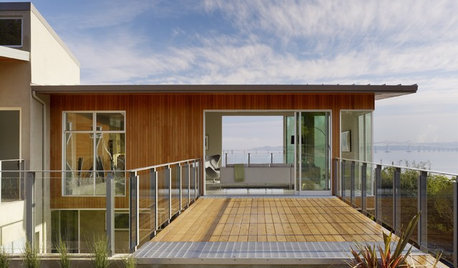
GREEN BUILDINGWhat's LEED All About, Anyway?
If you're looking for a sustainable, energy-efficient home, look into LEED certification. Learn about the program and its rating system here
Full Story
PRODUCT PICKSGuest Picks: 20 Decor Pieces for That First Home Away From Home
Gather ideas now for a comfy and stylish dorm room in the fall — or try these finds in a new grad's first solo digs
Full Story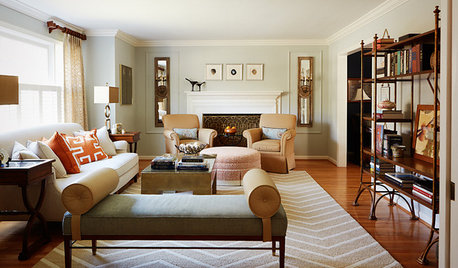
LIVING ROOMSRoom of the Day: Editing and Evolving in Philadelphia
With just the best pieces and a new transitional style, this living room suits its owners’ tastes today
Full Story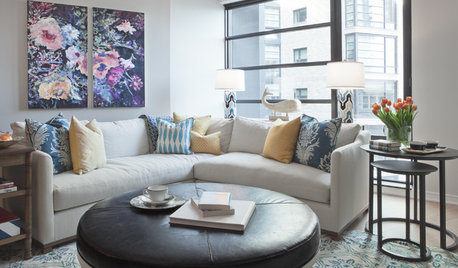
THE HARDWORKING HOMERoom of the Day: Multifunctional Living Room With Hidden Secrets
With clever built-ins and concealed storage, a condo living room serves as lounge, library, office and dining area
Full Story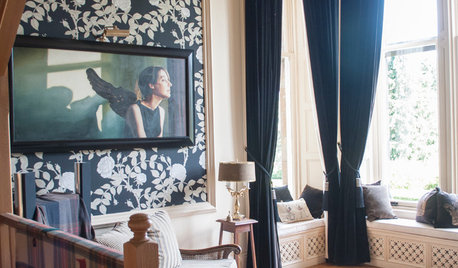
FUN HOUZZ15 Cool Rooms and the TV Shows They Want You to Watch
Get nestled in with the fall 2014 premieres, some old favorite shows and a coordinating nosh
Full Story
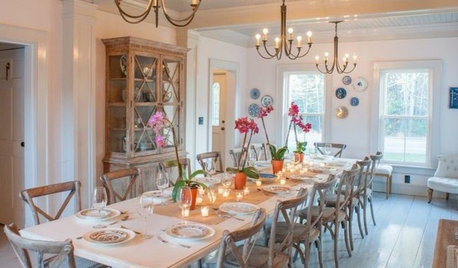
DECORATING GUIDESRoom of the Day: Romancing a Maine Dining Room
Glossy paint and country-style furnishings make a 19th-century interior an affair to remember
Full Story

Diane Smith at Walter E. Smithe Furniture
chris11895
Related Professionals
Petersburg Interior Designers & Decorators · Champaign Interior Designers & Decorators · Grand Junction Interior Designers & Decorators · Magnolia Kitchen & Bathroom Designers · Effingham Kitchen & Bathroom Designers · Portsmouth Kitchen & Bathroom Designers · Saint Cloud Kitchen & Bathroom Designers · Stockton Kitchen & Bathroom Designers · Aberdeen Furniture & Accessories · Rolla Furniture & Accessories · Ardmore Furniture & Accessories · Hilton Head Island Furniture & Accessories · Minneapolis Furniture & Accessories · Saint Cloud Furniture & Accessories · Victoria Furniture & AccessoriessunshinetmOriginal Author
mygroovyhouse
sunshinetmOriginal Author