

Adobe pdf
19 years ago
Sort by:Oldest
Comments (6)
Related Stories
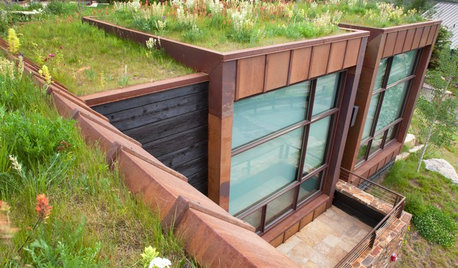
GREEN BUILDING6 Green-Roof Myths, Busted
Leaky, costly, a pain to maintain ... nope, nope and nope. Get the truth about living roofs and see examples from simple to elaborate
Full Story
DECORATING PROJECTSWhat to Do With Old Family Photos
Find out how to research, share and preserve images that offer a connection to the past
Full Story
GREEN BUILDINGThe Passive House: What It Is and Why You Should Care
If you don’t understand passive design, you could be throwing money out the window
Full Story
ARCHITECTURETime-Tested, Low-Tech Ways to Cool a Home
People have been beating the heat around the world for centuries without plugging anything in. Could these ideas work for your home today?
Full Story
LIFE8 Wonderful Winter Hobbies to Nurture at Home
Make nesting at home this winter even more pleasurable by cultivating new activities and dreaming up meaningful creations
Full Story
EARTH DAY5 Ideas for a More Earth-Friendly Garden
Consider increasing the size of garden beds, filtering rainwater and using plants to reduce energy use
Full Story
HOLIDAYSMake Your Own Mini Advent Village
Make the run-up to Christmas extra special with a treat a day in each tiny paper Advent house
Full Story
marty_mo
rosajoe_gw
Related Professionals
Decatur Furniture & Accessories · Lawrenceburg Furniture & Accessories · Martinsburg Furniture & Accessories · Muskegon Furniture & Accessories · Everett Furniture & Accessories · Hilo Furniture & Accessories · Hot Springs Interior Designers & Decorators · Sacramento Interior Designers & Decorators · Portland Interior Designers & Decorators · Dayton Flooring Contractors · Lawton Flooring Contractors · College Station Flooring Contractors · Corpus Christi Flooring Contractors · Plainfield Flooring Contractors · South Sioux City Flooring Contractorslaurainsdca
lynndianneOriginal Author
kathi_mdgd
cmc_97