

Post pics from your PC :-)
14 years ago
Sort by:Oldest
Comments (14)

Related Stories
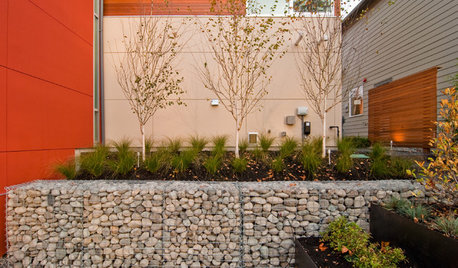
LANDSCAPE DESIGNGarden Walls: Gabion Evolves From Functional to Fabulous
The permeable rock-, concrete- or glass-filled steel cages are showing up as retaining walls, planters, benches and more
Full Story
WORKING WITH PROSInside Houzz: What You Can Learn From a Houzz Photo
Get access to the designer's info, product names, other photos in the project and much more by clicking on a Houzz image
Full Story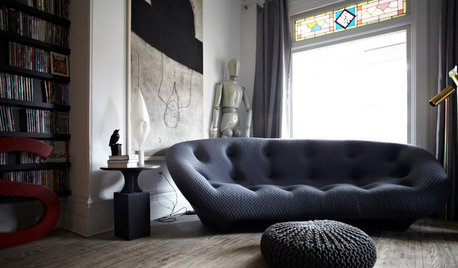
ECLECTIC HOMESHouzz Tour: A Toronto Home Comes Back From the Brink
Not even squatters deterred an interior designer from turning an abandoned 4-bedroom into a chic, unique home
Full Story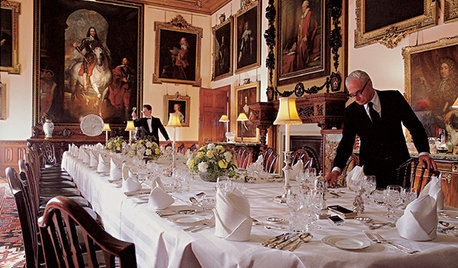
FUN HOUZZEverything I Need to Know About Decorating I Learned from Downton Abbey
Mind your manors with these 10 decorating tips from the PBS series, returning on January 5
Full Story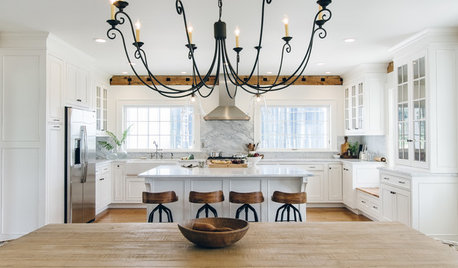
WHITE KITCHENS4 Dreamy White-and-Wood Kitchens to Learn From
White too bright in your kitchen? Introduce wood beams, countertops, furniture and more
Full Story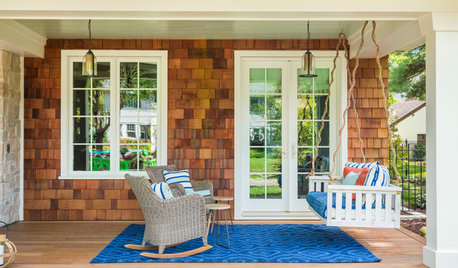
GARDENING AND LANDSCAPING10 Ideas for Decorating Your Summer Porch
Watch the world go by from a porch decked out with comfy furniture and inspiring accessories
Full Story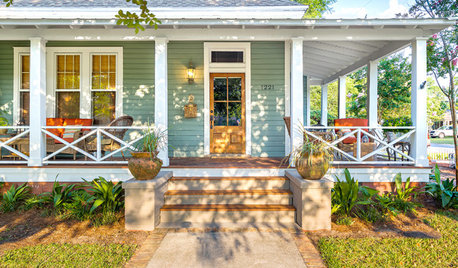
PORCH OF THE WEEKA Wraparound Goes From Unwelcoming to Irresistible
Renovating the porch adds neighborliness and charm to this 1908 Florida home
Full Story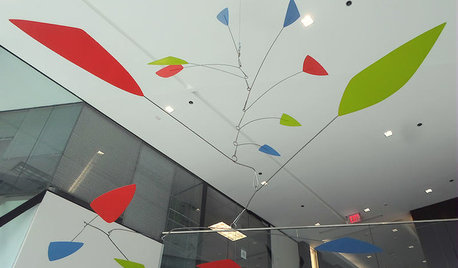
ARTFrom the Artist: How to Make a Real Mobile
It’s all in the balancing points: A top mobile designer shows how to create a Calder-inspired installation of your own
Full Story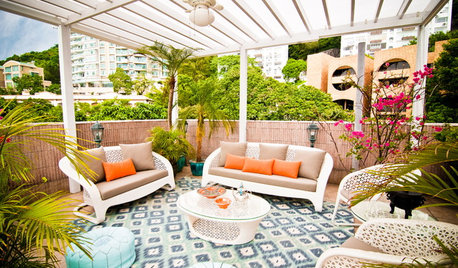
URBAN GARDENS9 Urban Gardening Tips From Hong Kong Rooftops
Create a refuge from city chaos with these ideas gathered from rooftops as practical as they are picturesque
Full Story
pensivern
4boys2
Related Professionals
Greensboro Interior Designers & Decorators · Flint Interior Designers & Decorators · Worthington Interior Designers & Decorators · Clovis Interior Designers & Decorators · Paducah Kitchen & Bathroom Designers · Aberdeen Kitchen & Bathroom Designers · Columbia Kitchen & Bathroom Designers · Sault Ste. Marie Kitchen & Bathroom Designers · Mansfield Kitchen & Bathroom Designers · Mission Viejo Kitchen & Bathroom Designers · Temecula Kitchen & Bathroom Designers · Denver Kitchen & Bathroom Designers · Riverton Kitchen & Bathroom Designers · Newport News Furniture & Accessories · Napa Furniture & Accessoriespensivern
4boys2
Lyban zone 4
natal
User
natal
breezygirl
Fori
sable_ca
natal
natal
sable_ca