

Help with Photobucket
13 years ago
Sort by:Oldest
Comments (7)
Related Stories
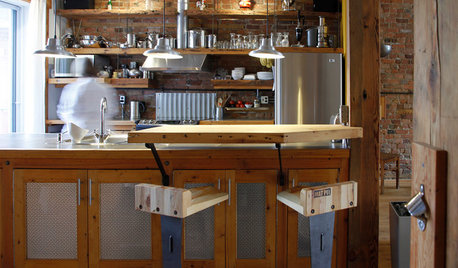
KITCHEN DESIGN11 Great Alternatives to Glass-Front Cabinets
You may just break up with glass when you see these equally decorative but less fragile cabinet options
Full Story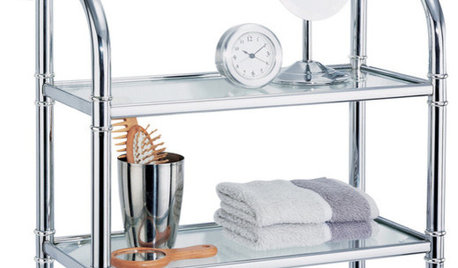
PRODUCT PICKSGuest Picks: Solve Your Bathroom Storage Woes
Keep your bath neat and organized with these attractive cabinets, shelves and hampers
Full Story
SELLING YOUR HOUSESave Money on Home Staging and Still Sell Faster
Spend only where it matters on home staging to keep money in your pocket and buyers lined up
Full Story
BUDGET DECORATINGDumpster Decorating: Furnishing Your Home With Repurposed Pieces
Whether you call them reclaimed or recycled, these furnishings honor our pocketbooks and our planet
Full Story
FIREPLACES12 Hot Ideas for Fireplace Facing
From traditional brick to industrial steel, there’s a fireplace cladding here to light up your design
Full Story
BATHROOM DESIGNShower Lights Bathe Bathrooms in Brightness
Lighting in colors as dazzling or soothing as you choose can bring a whole new dimension to your shower routine
Full Story
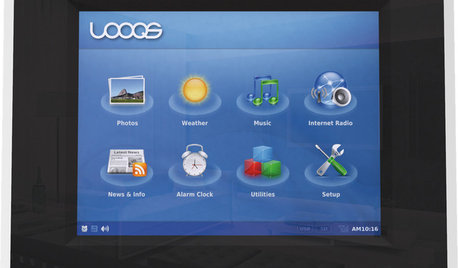
HOME TECHPicture This: Your Digital Photos Deserve Frames Too
Decorate with family memories — and swap them out in an instant — with frames made just for showing and sharing digital photos
Full Story

4boys2
annzgw
Related Professionals
Anderson Interior Designers & Decorators · Nashville Interior Designers & Decorators · Fort Dodge Interior Designers & Decorators · Sacramento Interior Designers & Decorators · Hobbs Interior Designers & Decorators · Hilo Interior Designers & Decorators · Vineland Kitchen & Bathroom Designers · Morgantown Kitchen & Bathroom Designers · Yakima Kitchen & Bathroom Designers · Ottawa Kitchen & Bathroom Designers · Daytona Beach Furniture & Accessories · Hannibal Furniture & Accessories · Portsmouth Furniture & Accessories · Keene Furniture & Accessories · Milwaukee Furniture & AccessoriesOlychick
annzgw
williamsem
Olychick
joaniepoanieOriginal Author