

Saving GW threads for later
16 years ago
Sort by:Oldest
Comments (5)

Related Stories
Replace Your Windows and Save Money — a How-to Guide
Reduce drafts to lower heating bills by swapping out old panes for new, in this DIY project for handy homeowners
Full Story
BATHROOM DESIGNWater Damage Spawns a Space-Saving Bathroom Remodel
A game of inches saved this small New York City bathroom from becoming too cramped and limited
Full Story
KITCHEN DESIGN7 Ways to Save on Your Kitchen Remodel
Discover key areas where you can economize and still get the kitchen of your dreams
Full Story
REMODELING GUIDESWhere to Splurge, Where to Save in Your Remodel
Learn how to balance your budget and set priorities to get the home features you want with the least compromise
Full Story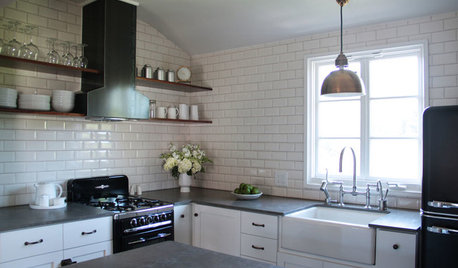
KITCHEN DESIGN10 Big Space-Saving Ideas for Small Kitchens
Feeling burned over a small cooking space? These features and strategies can help prevent kitchen meltdowns
Full Story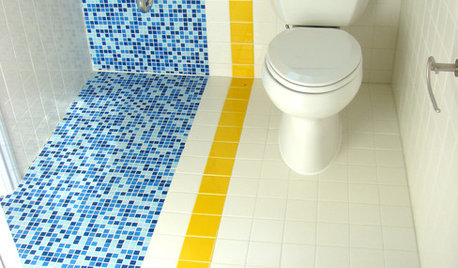
BATHROOM DESIGN9 Big Space-Saving Ideas for Tiny Bathrooms
Look to these layouts and features to fit everything you need in the bath without feeling crammed in
Full Story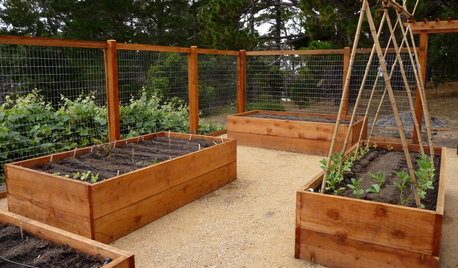
GARDENING GUIDESHow to Install a Drip Irrigation System
Save time and water with a drip watering system in your vegetable garden — a little patience now will pay off later
Full Story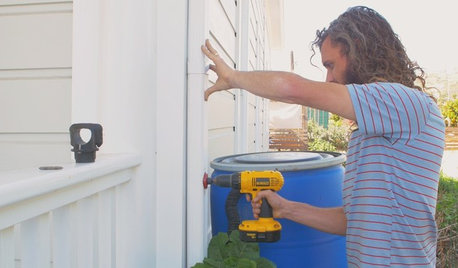
HOUZZ TVHouzz TV: How to Install a Rain Barrel
This DIY tutorial shows how easy it can be to capture rainwater from your roof to use in your garden later
Full Story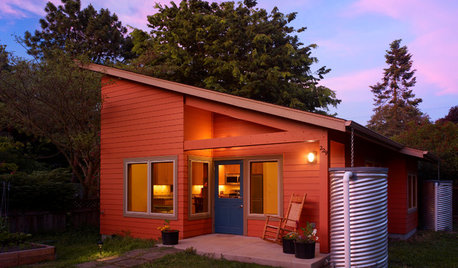
GREEN BUILDINGHow to Harvest Rainwater for Your Garden
Conserve a vital resource and save money by collecting stormwater for irrigation in a barrel or tank
Full Story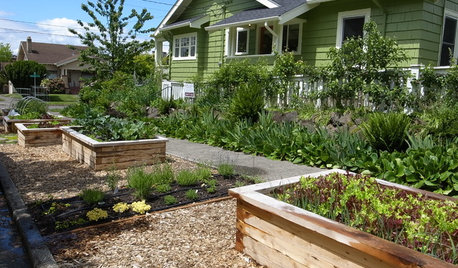
BEFORE AND AFTERSSee 6 Yards Transformed by Losing Their Lawns
Wondering whether a turf lawn is the best use of your outdoor space? These homeowners did, and they found creative alternatives
Full Story
Sue Brunette (formerly known as hockeychik)
jenswrensOriginal Author
Related Professionals
Marietta Kitchen & Bathroom Designers · Oklahoma City Kitchen & Bathroom Designers · New Braunfels Kitchen & Bathroom Designers · Trenton Kitchen & Bathroom Designers · Sioux Falls Kitchen & Bathroom Designers · Gaithersburg Kitchen Remodelers · Stamford Kitchen Remodelers · Palm Desert Kitchen Remodelers · Grand Junction Kitchen Remodelers · Sedalia Custom Countertops · Springfield Custom Countertops · Portsmouth Custom Countertops · Harrisburg Custom Countertops · Providence Custom Countertops · Flagstaff Custom Countertopscarecooks
writersblock (9b/10a)
carecooks