

How do I post a picture with my message?
18 years ago
Sort by:Oldest
Comments (8)
Related Stories
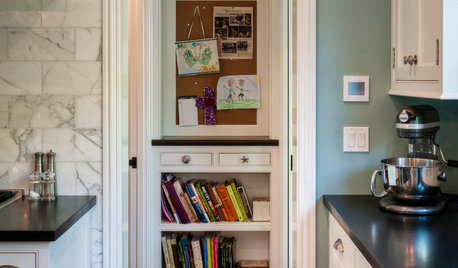
GREAT HOME PROJECTSHow to Add a Kitchen Message Center
Take control of lists, schedules and more in a family message hub that’s as simple or elaborate as you like
Full Story
FUN HOUZZDoes Your Home Have a Hidden Message?
If you have ever left or found a message during a construction project, we want to see it!
Full Story
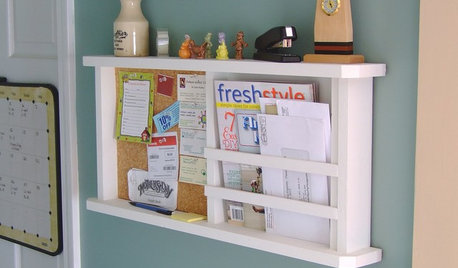
DIY PROJECTSNeat Little Project: Build a Mail and Message Center
Centralize bills, notes and coupons with a wooden piece that's half cork, half shelving and all DIY-proud
Full Story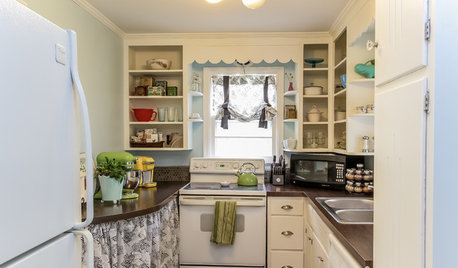
KITCHEN DESIGNShow Us Your Compact Kitchen
Do you have a tiny kitchen that works well for you? Post your pictures in the Comments
Full Story
KITCHEN DESIGNWhy Your Kitchen Wants Its Own iPad
Cooking-school gateway, recipe database, foodie networking ... an iPad in the kitchen has uses far beyond being a message center
Full Story
LIFEThe Polite House: Do I Have to Display Decor Given to Me as a Gift?
Etiquette columnist Lizzie Post tackles the challenge of accepting and displaying home decor gifts from frequent visitors
Full Story
ENTRYWAYSGrand Entry Elements: Newel Posts Past and Present
They once spoke to wealth and class, but newel posts today say more about individual style
Full Story
LIFEHouzz Call: Who'll Post the First Snow Photo of 2013?
If the weather's been flaky in your neck of the woods, please show us — and share how you stay warm at home
Full Story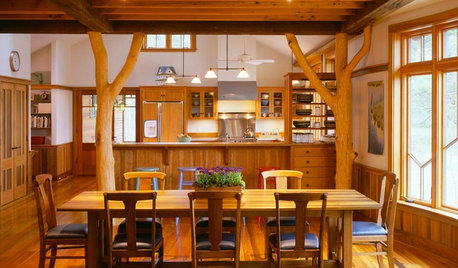
KITCHEN DESIGNOpening the Kitchen? Make the Most of That Support Post
Use a post to add architectural interest, create a focal point or just give your open kitchen some structure
Full Story
moonkat99
remodelfla
Related Professionals
Fayetteville Kitchen & Bathroom Designers · Richmond Kitchen & Bathroom Designers · Dubuque Kitchen & Bathroom Designers · Marquette Kitchen & Bathroom Designers · Norfolk Kitchen & Bathroom Designers · Palm Desert Kitchen & Bathroom Designers · Yuba City Kitchen & Bathroom Designers · Albuquerque Kitchen & Bathroom Designers · Houma Kitchen Remodelers · Columbia Kitchen Remodelers · Boise Kitchen Remodelers · Sheridan Kitchen Remodelers · Jackson Custom Countertops · Scranton Custom Countertops · Kenosha Custom Countertopslovetocook9Original Author
moonkat99
caligal
lovetocook9Original Author
moonkat99
lovetocook9Original Author