

Tamara, how do we find out clippings?
11 years ago
Featured Answer
Sort by:Oldest
Comments (25)
 11 years ago
 11 years ago
Related Professionals
Galveston Kitchen & Bathroom Designers · Des Moines Kitchen & Bathroom Designers · Mission Viejo Kitchen & Bathroom Designers · Salinas Kitchen & Bathroom Designers · Dothan Kitchen Remodelers · Pine Bluff Kitchen Remodelers · New Orleans Kitchen Remodelers · Gaithersburg Kitchen Remodelers · St. Louis Kitchen Remodelers · Springfield Kitchen Remodelers · Orlando Custom Countertops · Lexington Custom Countertops · Tupelo Custom Countertops · Yuba City Custom Countertops · Missoula Custom Countertops- 11 years ago
 11 years ago
- 11 years ago
- 11 years ago
- 11 years ago
 11 years ago
 11 years agolast modified: 11 years ago
- 11 years ago
 11 years ago
- 11 years ago
 11 years ago
- 11 years ago
 11 years ago
- 11 years ago
- 11 years ago
 11 years ago
- 11 years ago
- 11 years ago
- 11 years ago
 11 years ago
- 11 years ago
- 11 years ago


Related Stories

KIDS’ SPACESClip It Up: 8 Ways to Display Kids’ Art
Creative use of clips and hangers makes it easy to swap your children’s masterpieces in and out
Full Story
PRODUCT PICKSGuest Picks: 20 Light and Airy Playroom Finds
These neutral kid-friendly furnishings and accessories go with everything and let colorful toys stand out
Full Story
STORAGEClosets Too Small? 10 Tips for Finding More Wardrobe Space
With a bit of planning, you can take that tiny closet from crammed to creatively efficient
Full Story
WALL TREATMENTSRugs Find Their Place on the Wall
Some rugs are so striking or rare, you want to treat them like works of art. Here are ways to show them off at eye level
Full Story
HOMES AROUND THE WORLDMy Houzz: Traveling Couple Find the Perfect Parking Spot
A dilapidated tin shed becomes the dream home of two nature-loving retirees and their many treasures
Full Story
WALL TREATMENTSTempted to Try Wallpaper? 10 Tips for Finding the Right Pattern
Before you lay down a lot of cash, sit down with this advice for getting a wallpaper you’ll love for years
Full Story
PRODUCT PICKSGuest Picks: Smart Finds for Homework Areas
Get a study space in shape for back-to-school time with pencils, lighting, a desk and other schoolwork essentials
Full Story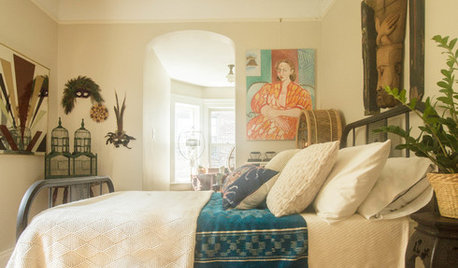
HOUZZ TOURSMy Houzz: Eclectic Treasures Find a Home in a 1910 Victorian
Secondhand furnishings add spirit and soul to a century-old New Jersey house
Full Story
MOST POPULARFind Your Christmas Tree Personality
These Christmas trees suit a range of design styles and personas. Recognize anyone?
Full Story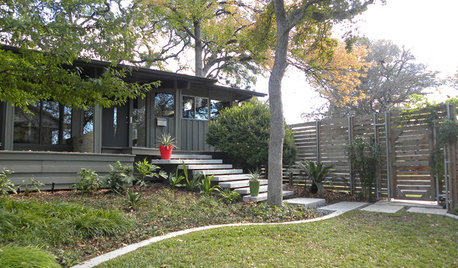
HOUZZ TOURSMy Houzz: A 'Home of the Future' Finds Present Perfection
Rescued from the brink of destruction, a 1965 home gets a complete, thoughtful overhaul from a Dallas couple
Full Story


michey1st_gw