

Best (free) home design program/app?
10 years ago
Featured Answer
Sort by:Oldest
Comments (9)
- 10 years ago
 PRO10 years ago
Related Professionals
Saint Cloud Interior Designers & Decorators · Winona Interior Designers & Decorators · Eau Claire Interior Designers & Decorators · Victorville Interior Designers & Decorators · Grand Junction Interior Designers & Decorators · Manhattan Architects & Building Designers · Cookeville Architects & Building Designers · Altoona Architects & Building Designers · Odessa Architects & Building Designers · Sterling Architects & Building Designers · Logan Architects & Building Designers · Chatham Architects & Building Designers · Greenville Kitchen & Bathroom Designers · Bakersfield Kitchen & Bathroom Designers · Napa Kitchen & Bathroom Designers- 10 years ago
 last year
 PROlast year
 last year
 PROlast year
 25 days agolast modified: 25 days ago

Related Stories
INSIDE HOUZZFor Houzz Pros: Learn About the New Affiliation Badge Program
Enhance your professional profile with badges showing your schools, associations and more
Full Story
HOME TECHPro-Quality Manufacturing at Home? There's an App for That
Take your home workshop into the future of design with 3D printers and app-driven tools
Full Story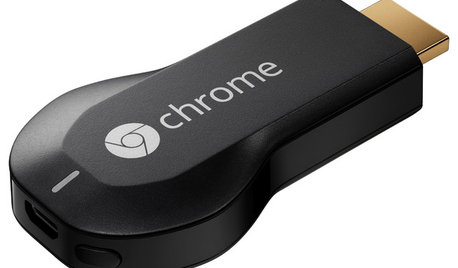
HOME TECHNow Playing in Homes Everywhere: TV, the App
It's easier than ever to beam streaming content from mobile devices to your TV screen
Full Story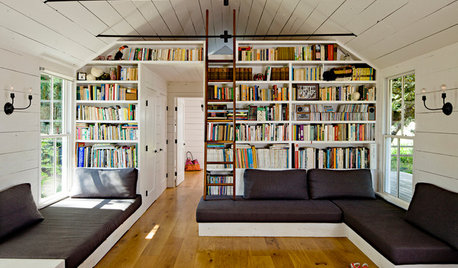
LIFE'Not My Precious Books!' — Pain-Free Ways to Declutter Your Library
Have your books and neatness too, with these ideas for paring down and straightening up a beloved collection
Full Story
GREEN BUILDINGWhat's LEED All About, Anyway?
If you're looking for a sustainable, energy-efficient home, look into LEED certification. Learn about the program and its rating system here
Full Story
LANDSCAPE DESIGN15 Great Ideas for a Lawn-Free Yard
End the turf war for good with hardscaping, native grasses and ground covers that save water and are easier to maintain
Full Story
HOME OFFICES9 Hacks for a Clutter-Free Home Office
Use these clever ideas to transform a chaotic study into one that’s more conducive to working
Full Story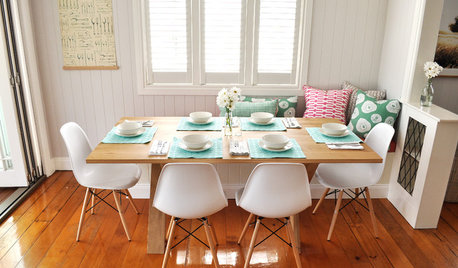
MOST POPULAR10 Strategies for Keeping Surfaces Clutter-Free
The universe wants your coffee table to become a clutter magnet — but you can fight back
Full Story
LIFE10 Ideas for Making Screen-Free Play a Reality
Here's how to tempt your children with activities that will encourage their creativity and keep them away from the TV
Full Story
DESIGN PRACTICEDesign Practice: Start-up Costs for Architects and Designers
How much cash does it take to open a design company? When you use free tools and services, it’s less than you might think
Full Story




P.A.S. Interiors, LLC