

i cannot open a new idea book.
9 years ago
Sort by:Oldest
Comment (1)

Related Stories
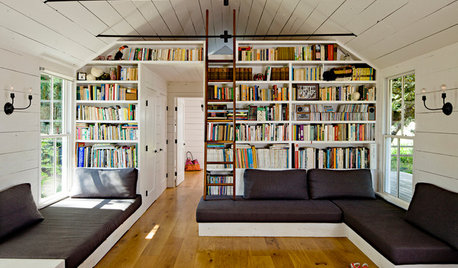
LIFE'Not My Precious Books!' — Pain-Free Ways to Declutter Your Library
Have your books and neatness too, with these ideas for paring down and straightening up a beloved collection
Full Story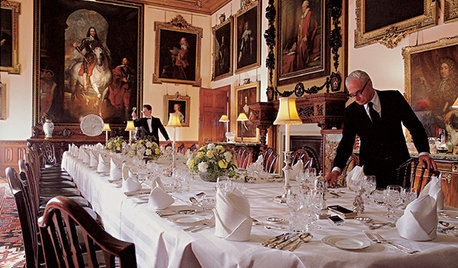
FUN HOUZZEverything I Need to Know About Decorating I Learned from Downton Abbey
Mind your manors with these 10 decorating tips from the PBS series, returning on January 5
Full Story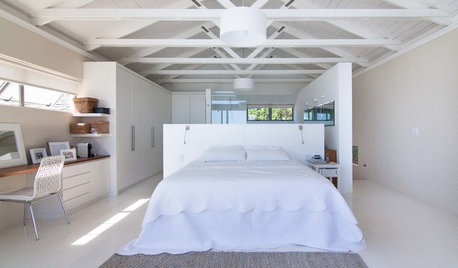
ARCHITECTUREDesign Workshop: The Open-Concept Bathroom
Consider these ideas for balancing privacy with openness in an en suite bathroom
Full Story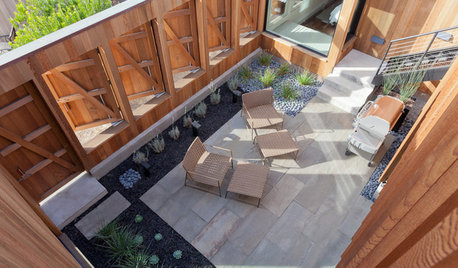
ARCHITECTUREDesign Workshop: 9 Ways to Open a House to the Outdoors
Explore some of the best ideas in indoor-outdoor living — and how to make the transitions work for both home and landscape
Full Story
LIGHTINGSo You Bought a Cave: 7 Ways to Open Your Home to Light
Make the most of the natural light your house does have — and learn to appreciate some shadows, too
Full Story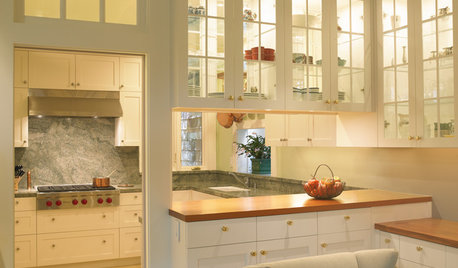
KITCHEN DESIGNHave Your Open Kitchen and Close It Off Too
Get the best of both worlds with a kitchen that can hide or be in plain sight, thanks to doors, curtains and savvy design
Full Story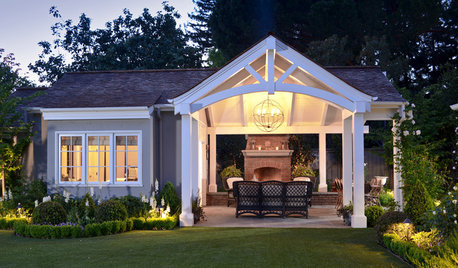
GARDENING AND LANDSCAPING3-Season Rooms: Open-Air Living in a Guest Cottage Pavilion
Comfy furniture, a fireplace and a vaulted ceiling make dining and hanging out a joy in this California outdoor room
Full Story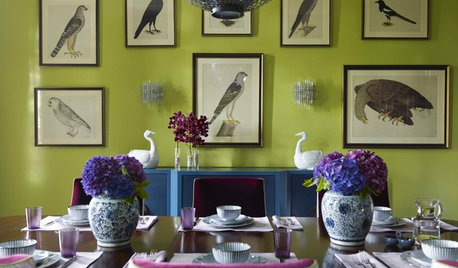
MORE ROOMSBook Tour: Katie Ridder Rooms
Get ideas for your own great spaces filled with color, comfort, flexibility and shine
Full Story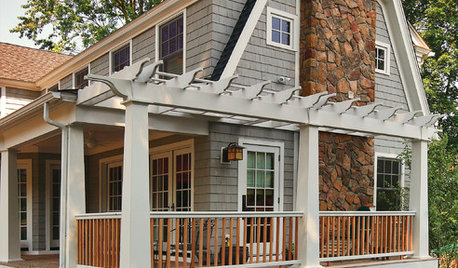
GARDENING AND LANDSCAPINGBook to Know: 'Deck Ideas That Work'
Considering a new deck? Peter Jeswald's handy volume offers loads of design and material ideas
Full Story
BOOKS10 Great Coffee Table Books
E-Readers have nothing on these tomes that double as inspiring accessories
Full Story
D A