

Apps that control appliances (SMART)
5 years ago
Sort by:Oldest
Comments (5)
Related Stories
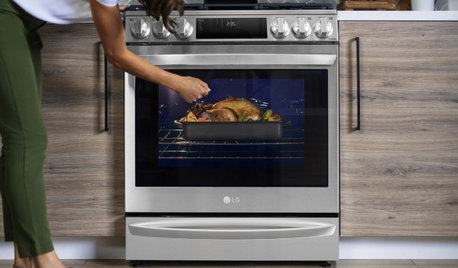
HOME TECH4 Trends in Smart Appliances and Features at CES 2021
The Consumer Electronics Show revealed a push toward customization, integration, relaxation and cleanliness at home
Full Story
LIGHTINGIs Smart Lighting a Smart Choice for You?
A professional offers advice on the latest in smart lighting for your home
Full Story
HOME TECHHigh-Tech Bulbs Give You More Control Over Your Lights
Check out some smart lighting options on the market, and see how they could brighten your home
Full Story
HOME TECHSmart Phones Hold the Keys to Front Doors
Knock, knock. Who's there? A brand-new generation of hardware and app combos that let you play doorman from anywhere
Full Story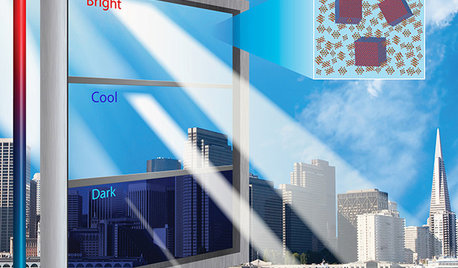
HOME TECHIs It Curtains for Curtains? Smart Glass Eliminates Window Coverings
Windows can now control light and heat through electricity and high-tech formulations, making blinds and shades optional
Full Story
GARDENING GUIDESHow Smart Is Your Irrigation System?
New weather- and sensor-based controllers take the efficiency of your sprinklers to the next level
Full Story
KITCHEN DESIGN2012 Appliance Trends: Kitchens
Seriously sleek and smart kitchen designs are on their way
Full Story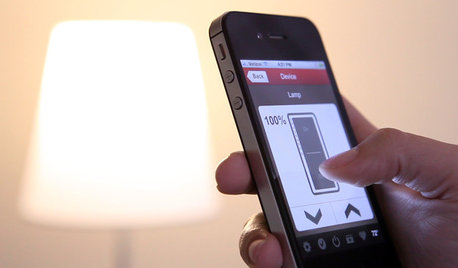
HOME TECHSwitch On the Phone-Controlled Home
Lock your front door from afar, let your thermostat set itself and more when you use your phone as a control device
Full Story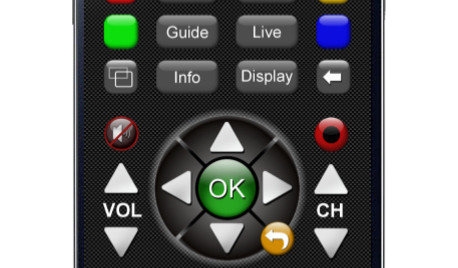
HOME TECHNew TV Remote Controls Promise to Do More — Without the Struggle
Dim your lights, set up user profiles and discover a remote you can't lose. Welcome to the latest and greatest way to change the channel
Full Story
HOME TECH3 Security Tips for Your Smart Home Technology
Put these tips into practice to keep your internet-connected gadgets safe and secure
Full Story


darbuka
crcollins1_gw
Related Professionals
Saint Joseph Architects & Building Designers · Monroe Architects & Building Designers · Santa Barbara Architects & Building Designers · Laredo Design-Build Firms · Seattle Design-Build Firms · Fort Worth Home Builders · Tyler Home Builders · Vancouver Home Builders · Pocatello Kitchen & Bathroom Designers · Pensacola Bathroom Remodelers · Toronto Kitchen Remodelers · Topeka Kitchen & Bathroom Designers · Greenville Kitchen & Bathroom Designers · Kenosha Kitchen Remodelers · Charlottesville Custom Countertopsporkchop_z5b_MI
wdccruise
UserOriginal Author