

HDMI switching problem for TV viewing
3 years ago
last modified: 3 years ago
Featured Answer
Sort by:Oldest
Comments (12)
 3 years ago
- 3 years ago
Related Professionals
Dallas Interior Designers & Decorators · Alexandria Carpenters · Edison Carpenters · Saint Marys Carpenters · Athens General Contractors · Abilene General Contractors · Alpena General Contractors · Yuma General Contractors · Jacksonville Interior Designers & Decorators · Tyler Interior Designers & Decorators · Pueblo Interior Designers & Decorators · Hattiesburg Cabinets & Cabinetry · Victorville Cabinets & Cabinetry · South Bend Carpenters · Montrose Carpenters- 3 years ago
- 3 years ago
- 3 years ago
- 3 years agolast modified: 3 years ago
- 3 years ago
- 2 years ago
- 2 years ago
- 2 years ago
Related Stories
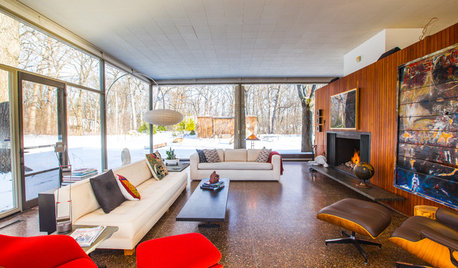
HOUZZ TV FAVORITESHouzz TV: See What It’s Like to Live in a Glass House
Tour a couple’s midcentury modern Illinois home, where floor-to-ceiling views of nature are all around
Full Story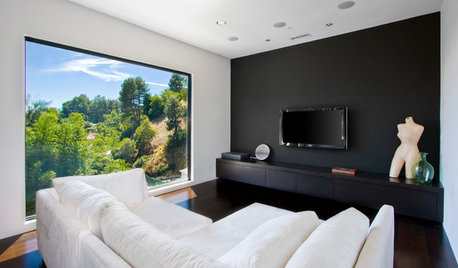
DECORATING GUIDESGot a Problem? 5 Design Trends That Could Help
These popular looks can help you hide your TV, find a fresh tile style and more
Full Story
HOME TECHNow Playing in Homes Everywhere: TV, the App
It's easier than ever to beam streaming content from mobile devices to your TV screen
Full Story
MOST POPULARHow High Should You Mount Your TV?
Today we look at an important question to consider when locating your television: How high should you set it?
Full Story
HOME TECHMake Your Home a Champion Olympics Viewing Platform
Watch a sprint during a cooking marathon or a vault while curled up in bed. Live streaming and mobile apps put viewing in your control
Full Story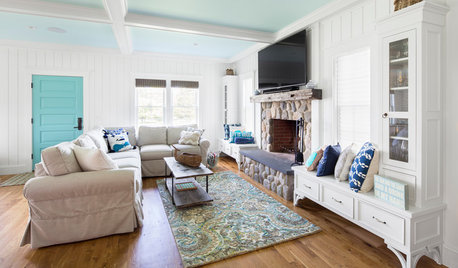
MOST POPULARDesign Debate: Is It OK to Hang the TV Over the Fireplace?
In the spirit of the upcoming political debates, we kick off a series of conversations on hotly contested design topics
Full Story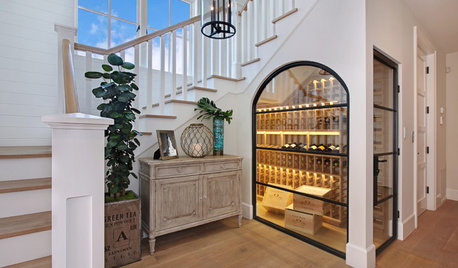
LIGHTINGWhat to Know About Switching to LED Lightbulbs
If you’ve been thinking about changing over to LEDs but aren't sure how to do it and which to buy, this story is for you
Full Story
DECORATING GUIDESTGIR: The Case of the Disappearing TV
They Got It Right: If you can’t beat it, camouflage it. See how these designers made TV screens almost unnoticeable
Full Story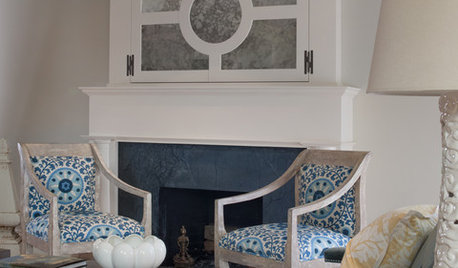
FIREPLACESGoodbye, TV — Hello, Fireplace
Hide the television above the fireplace with clever camouflage, so the focus will be right where you want it
Full Story
MOST POPULARHow to Hide the TV, No Cabinet Required
Minimize the impact of the big black screen with these tricks to make it blend with your decor
Full Story
Sponsored
More Discussions
wdccruise