

can't post pics
16 years ago
Sort by:Oldest
Comments (7)
Related Stories
HOUSEPLANTS8 Houseplants You Can't Kill
They're forgiving and let you forget. Houseplants don't get any easier than this
Full Story
KITCHEN DESIGNTrend Alert: Swinging Doors Can't Miss for Convenience
Create accessibility and elegance in one fell swoop with a swinging door modernized for today's homes
Full Story
PETS5 Finishes Pets and Kids Can’t Destroy — and 5 to Avoid
Save your sanity and your decorating budget by choosing materials and surfaces that can stand up to abuse
Full Story
COLOR8 Color Palettes You Can't Get Wrong
Can't decide on a color scheme? Choose one of these foolproof palettes for a room that feels both timeless and fresh
Full Story
REMODELING GUIDES8 Natural Home Materials That Can't Be Beat
See how designing with natural stone, clay, wood and more can give a house luminosity, depth of color and lasting appeal
Full Story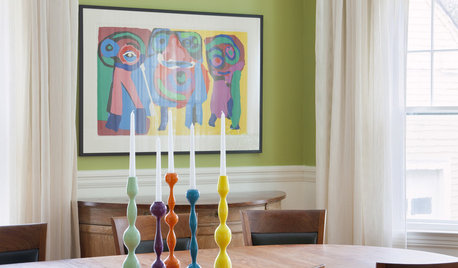
DECORATING GUIDESCan't-Beat Style: Candlestick Clusters
Create high decorating drama with the right mix of candleholders on table, sideboard, mantel and more
Full Story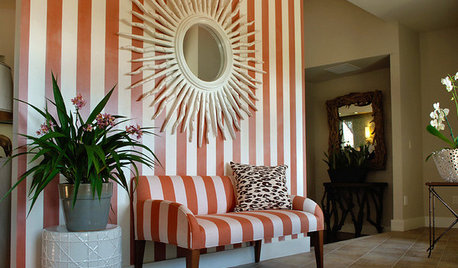
We Simply Can't Get Enough: The Sunburst Motif
New Interpretations of the Sun Still Add Fire to a Room
Full Story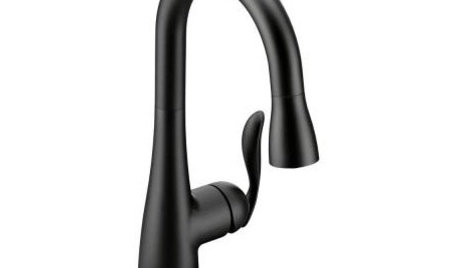
PRODUCT PICKSGuest Picks: 19 Kitchen Upgrades for When You Can't Afford an Overhaul
Modernize an outdated kitchen with these accents and accessories until you get the renovation of your dreams
Full Story
WALL TREATMENTSCan't Find the Right Wallpaper? Make Your Own
For one-of-a-kind walls, just use your imagination. Custom wallpaper is easier and less expensive than you might expect
Full Story
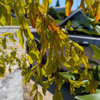
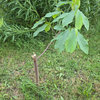
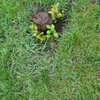
franktank232
Sandra Tran
Related Professionals
Gainesville Landscape Architects & Landscape Designers · Vicksburg Landscape Architects & Landscape Designers · Williamsport Landscape Architects & Landscape Designers · San Luis Obispo Landscape Architects & Landscape Designers · Rapid City Landscape Architects & Landscape Designers · York Landscape Architects & Landscape Designers · Madison Landscape Contractors · Elizabeth City Landscape Contractors · Waco Landscape Contractors · Harrisonburg Landscape Contractors · Jacksonville Home Additions · Atlanta Home Additions · South Bend Home Additions · North Platte Home Additions · Calgary Home Additionstcstoehr
brandon7 TN_zone7
olpea
brandon7 TN_zone7
olpea