

How To Post Using WebShots
14 years ago
Comment
Related Stories
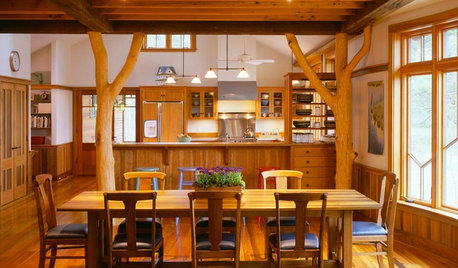
KITCHEN DESIGNOpening the Kitchen? Make the Most of That Support Post
Use a post to add architectural interest, create a focal point or just give your open kitchen some structure
Full Story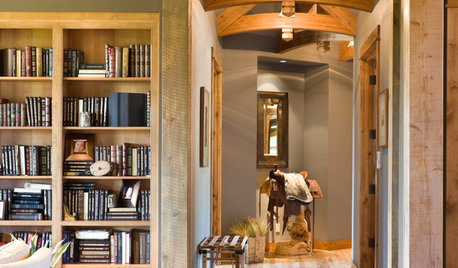
DESIGN DICTIONARYPost and Lintel
When horizontal beam meets post, the combination pulls its weight in a home
Full Story
ENTRYWAYSGrand Entry Elements: Newel Posts Past and Present
They once spoke to wealth and class, but newel posts today say more about individual style
Full Story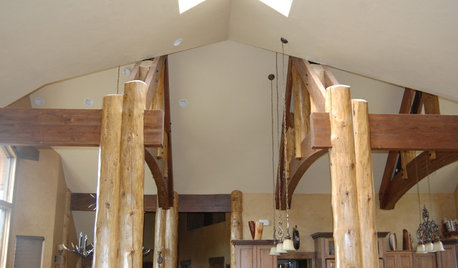
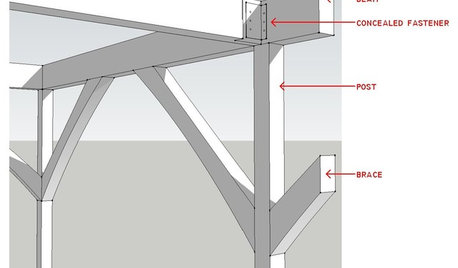
REMODELING GUIDESKnow Your House: Post and Beam Construction Basics
Learn about this simple, direct and elegant type of wood home construction that allows for generous personal expression
Full Story
LIFEHouzz Call: Who'll Post the First Snow Photo of 2013?
If the weather's been flaky in your neck of the woods, please show us — and share how you stay warm at home
Full Story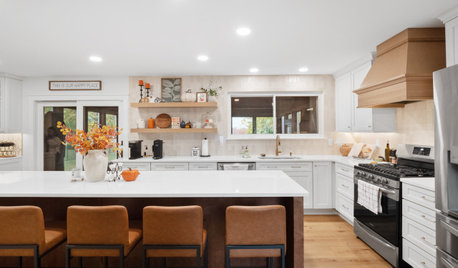
HOLIDAYSYour Post-Thanksgiving Game Plan
Once you’ve recovered from the big day, take these steps to make welcoming the next round of holiday guests easier
Full Story
DECORATING GUIDESPost-Christmas Conundrum: Toy Storage
Get Ideas for Storing the Kids' Playthings in Style
Full Story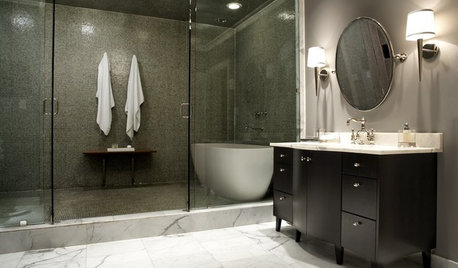
KITCHEN DESIGNUsing White Marble: Hot Debate Over a Classic Beauty
Do you love perfection or patina? Here's how to see if marble's right for you
Full Story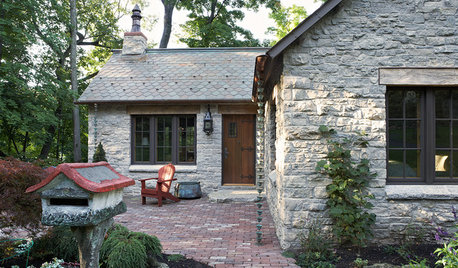
GREEN BUILDINGHouzz Call: What Have You Salvaged for Home Use?
If your floors, furniture, exterior materials or other home elements have a past life, we'd like to hear the story
Full Story
Sponsored
Related Professionals
Hagerstown Landscape Architects & Landscape Designers · Providence Landscape Architects & Landscape Designers · Saint George Landscape Architects & Landscape Designers · Bronx Landscape Architects & Landscape Designers · Waterbury Landscape Contractors · Newburyport Landscape Contractors · Bend Landscape Contractors · Vancouver Landscape Contractors · Fayetteville Architects & Building Designers · Vidalia Architects & Building Designers · Annapolis Architects & Building Designers · Memphis Architects & Building Designers · Grand Forks Architects & Building Designers · Santa Fe Architects & Building Designers · Anchorage Architects & Building Designers