

Photos - Help!
18 years ago
Sort by:Oldest
Comments (4)
Related Stories

ORGANIZINGHelp for Whittling Down the Photo Pile
Consider these 6 points your personal pare-down assistant, making organizing your photo collection easier
Full Story
ORGANIZING4 Questions to Help You Organize Your Favorite Photos
Organize your keeper photos with a system that's just right for you, whether it's in the cloud or you can hold it in your hand
Full Story
STANDARD MEASUREMENTSThe Right Dimensions for Your Porch
Depth, width, proportion and detailing all contribute to the comfort and functionality of this transitional space
Full Story
KITCHEN DESIGNHere's Help for Your Next Appliance Shopping Trip
It may be time to think about your appliances in a new way. These guides can help you set up your kitchen for how you like to cook
Full Story

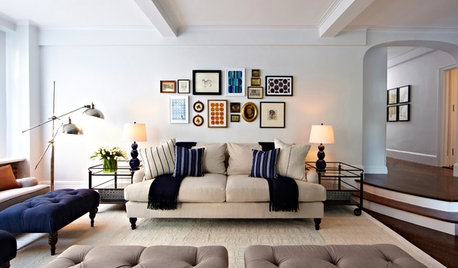
SHOP HOUZZShop Houzz: Products to Help You Create a Gallery Wall
Curate a stunning collection for a gallery wall that makes an artful statement
Full Story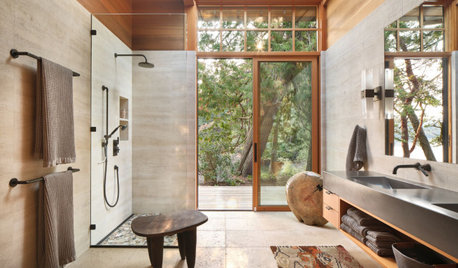
BATHROOM WORKBOOKStandard Dimensions and Measurements for a Primary Bath
Create a luxe bathroom that functions well with these key fixture dimensions and layout tips
Full Story
SELLING YOUR HOUSEHelp for Selling Your Home Faster — and Maybe for More
Prep your home properly before you put it on the market. Learn what tasks are worth the money and the best pros for the jobs
Full Story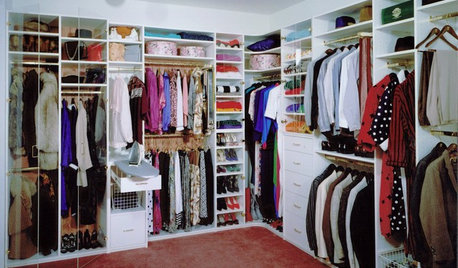
DECLUTTERINGDownsizing Help: How to Edit Your Belongings
Learn what to take and what to toss if you're moving to a smaller home
Full Story
Sponsored



chuck_billie
pwwwayne
Related Professionals
Florence Landscape Architects & Landscape Designers · Kansas City Landscape Architects & Landscape Designers · Atlantic City Landscape Architects & Landscape Designers · Aurora Landscape Architects & Landscape Designers · Monroe Landscape Architects & Landscape Designers · Chula Vista Landscape Architects & Landscape Designers · Victoria Landscape Architects & Landscape Designers · Lawrence Landscape Contractors · Lake City Home Builders · Cape Girardeau Home Builders · Bangor Home Builders · Allentown Home Builders · San Francisco Home Builders · Las Cruces Home Builders · North Platte Home Buildershoovb zone 9 sunset 23
curlydoc