

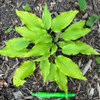
Would someone be so kind
18 years ago
Sort by:Oldest
Comments (5)
Related Stories
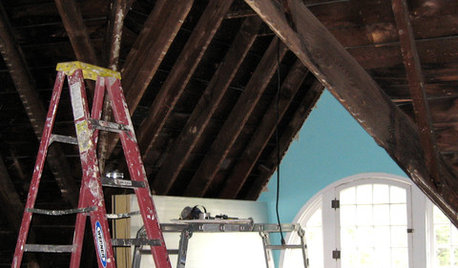
REMODELING GUIDES8 Lessons on Renovating a House from Someone Who's Living It
So you think DIY remodeling is going to be fun? Here is one homeowner's list of what you may be getting yourself into
Full Story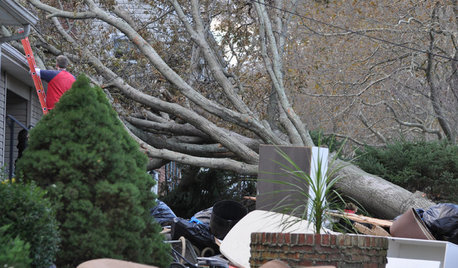
DISASTER PREP & RECOVERY7 Ways to Help Someone Hit by a Hurricane
The best things you can do in the wake of devastation are sometimes the most surprising
Full Story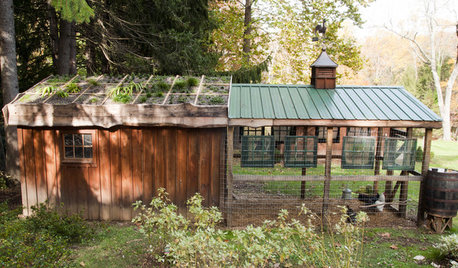
FARM YOUR YARDHouzz Call: Show Us Your One-of-a-Kind Chicken Coops
Do you have a fun or stylish backyard shelter for your feathered friends? Post your pictures and stories in the Comments!
Full Story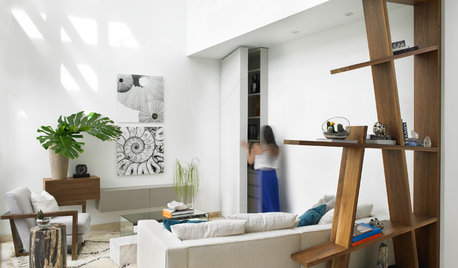
FEEL-GOOD HOME10 Kinds of Flowers and Foliage for Modern Spaces
Match the plant to the feeling you want to evoke, be it fun, rustic, tropical or romantic
Full Story
PAINTINGBulletproof Decorating: How to Pick the Right Kind of Paint
Choose a paint with some heft and a little sheen for walls and ceilings with long-lasting good looks. Here are some getting-started tips
Full Story
KITCHEN DESIGNKitchen Recipes: Secret Ingredients of 5 One-of-a-Kind Cooking Spaces
Learn what went into these cooks’ kitchens — and what comes out of them
Full Story
KITCHEN DESIGNPopular Cabinet Door Styles for Kitchens of All Kinds
Let our mini guide help you choose the right kitchen door style
Full Story
LANDSCAPE DESIGNWhat Kind of Gardener Are You? Find Your Archetype
Pick from our descriptions to create a garden that matches your personality and tells your story
Full Story
ACCESSORIESCollective Wisdom: Display Ideas for Collections of All Kinds
Show your interests without exposing clutter by going for artful arrangements with a unified feel
Full Story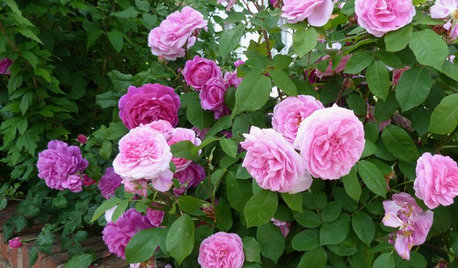
GARDENING GUIDESWhat Kind of Roses Should You Grow?
Want to add the beauty of roses to your garden? Find out which ones, from old-fashioned to modern, are right for you
Full Story
bfly8
esther_opal
Related Professionals
New Braunfels Landscape Architects & Landscape Designers · Omaha Landscape Architects & Landscape Designers · Reno Landscape Architects & Landscape Designers · Ottawa Landscape Architects & Landscape Designers · Valdosta Landscape Contractors · Muskogee Landscape Contractors · Santa Maria Landscape Contractors · Fort Collins Landscape Contractors · Orlando Home Additions · Newburyport Home Additions · Bemidji Home Additions · Portsmouth Home Additions · Cleveland Home Additions · Bakersfield Home Additions · Los Angeles Home Additionsgoldedger
ken_adrian Adrian MI cold Z5
regattagirl