

lost my desktop shortcut for dial-up service
18 years ago
Sort by:Oldest
Comments (3)

Related Stories
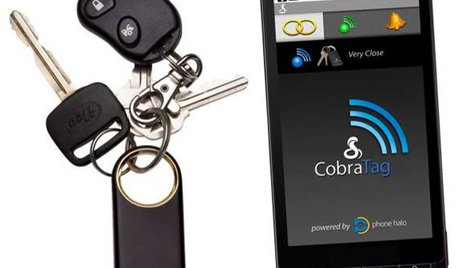
HOME TECHAll Is Not Lost: New Gadgets Help You Find Your Stuff
If you lose it when you lose things around the house (and who doesn't?), one of these wireless finders may be to your gain
Full Story
BOOKSCan Tidying Up Result in Life-Changing Magic?
Organizing phenom Marie Kondo promises big results — if you embrace enormous changes and tough choices
Full Story
STUDIOS AND WORKSHOPSHow to Set Up a Craft Room
Keep bits and bobs from winding their way into the rest of your home by setting up a designated area for craft projects
Full Story
SMALL SPACES8 Benefits of Cottage Living
Scale back to dial up your quality of life, save money and more
Full Story
HOME OFFICESOnline Tools Help Paperless Plunge
Pay bills, catch up on reading and keep track of schedules and dates with these terrific online tools
Full Story
DECORATING GUIDES5 Ways to Organize Your Home Electronics
Always losing your phone charger? Tired of digging for that missing DVD? Try these ideas for managing your favorite home gadgets
Full Story
MOVINGThe All-in-One-Place Guide to Selling Your Home and Moving
Stay organized with this advice on what to do when you change homes
Full Story
MOST POPULARThe Not Naturally Organized Parent's Guide to the Holidays
This year get real about what you can and cannot handle, and remember the joys of spending time with the ones you love
Full Story
HOME TECHTech to the Rescue: How to Get Stolen Gadgets Back
Catch any crook who dares steal devices from your home with recording and tracking technology that's easy to use
Full Story
HOME TECHWatch It! New Cameras Let You Video Chat, Stay Secure and More
Wouldn't it be great to have a single camera for home security, checking pets, chatting online and making videos? Now you can
Full Story
More Discussions

bob414
Chemocurl zn5b/6a IndianaOriginal Author
Chemocurl zn5b/6a IndianaOriginal Author