

Best Internet Filter?
14 years ago
Sort by:Oldest
Comments (11)

Related Stories
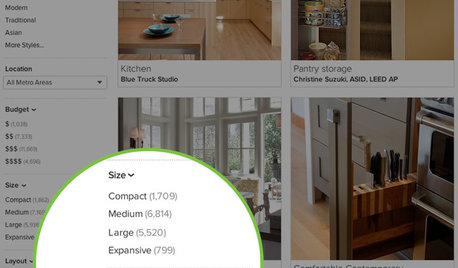
INSIDE HOUZZInside Houzz: More Filters Make Photo Browsing Even Better
Find the inspiration you’re looking for faster with room-specific filters for the millions of photos on Houzz
Full Story
HEALTHY HOMEHow to Choose a Home Water Filtering System
Learn which water purification method is best for your house, from pitchers to whole-house setups
Full Story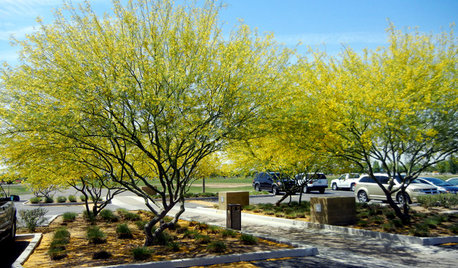
TREESGreat Design Plant: Desert Museum Palo Verde Offers a Colorful Canopy
Rising above others with its long bloom time, artful vase shape and lack of thorns, this tree is great for casting filtered shade
Full Story
DECORATING GUIDESBudget Decorator: How to Save When You Don’t DIY
You don’t have to be crafty to decorate your home inexpensively. Here are other ways to stretch your design dollars
Full Story
WORKING WITH PROSHow to Find a Designer or an Architect Using Houzz Photos
Locate the pro who's just right for your home project using the millions of images on Houzz
Full Story
GARDENING AND LANDSCAPINGHow to Make a Pond
You can make an outdoor fish paradise of your own, for less than you might think. But you'll need this expert design wisdom
Full Story
LIFEHow Do You Make Your Tea and Coffee in the Morning?
A morning cup is a must for many, and preparation comes in many guises. We look at coffee and tea habits across the Houzz community
Full Story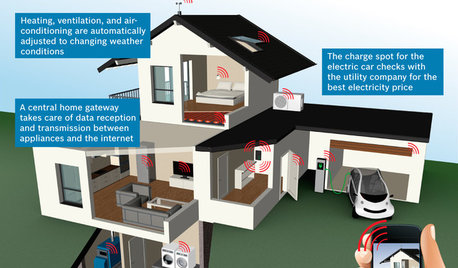
THE HARDWORKING HOMECES 2015: Inching Toward a Smarter Home
Companies are betting big on connected devices in 2015. Here’s a look at what’s to come
Full Story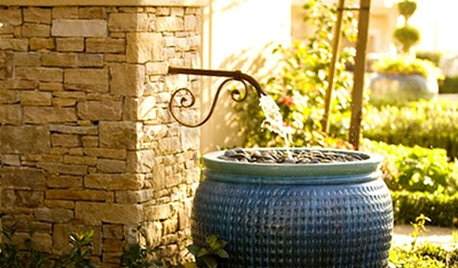
GREEN BUILDINGJust Add Water: Rain Barrel Magic
Take your rainwater storage from practical to beautiful with a new breed of design-friendly rain barrels
Full Story
User
jlj48Original Author
Related Professionals
Middletown Interior Designers & Decorators · Frisco Interior Designers & Decorators · Niles Interior Designers & Decorators · Kennewick Interior Designers & Decorators · Miami Kitchen & Bathroom Designers · Spartanburg Kitchen & Bathroom Designers · Roswell Kitchen & Bathroom Designers · Vernal Kitchen & Bathroom Designers · Selma Furniture & Accessories · Daytona Beach Furniture & Accessories · Brunswick Furniture & Accessories · Mount Vernon Furniture & Accessories · Madison Furniture & Accessories · Aurora Furniture & Accessories · Amarillo Furniture & Accessorieschispa
jlj48Original Author
User
jlj48Original Author
chispa
jlj48Original Author
chispa
jlj48Original Author
lee676