

Kitchen Design Software for a Mac?
16 years ago
Sort by:Oldest
Comments (5)
Related Stories
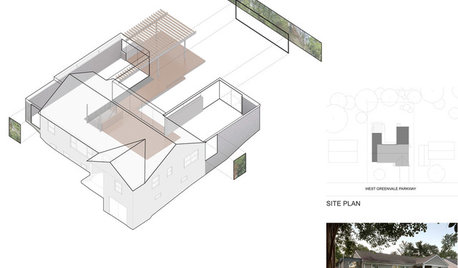
DESIGN PRACTICEDesign Practice: How to Pick the Right Drawing Software
Learn about 2D and 3D drawing tools, including pros, cons and pricing — and what to do if you’re on the fence
Full Story
MOST POPULARHouzz TV: Fred MacMurray’s Enduring Farmhouse Retreat
One of the most beloved actors of the 20th century traded fame for farm implements on this California ranch. His daughter shows us around
Full Story
HOME TECHThanks, Steve: Apple-Inspired Design at Home
See how the Mac and iPod aesthetic synchs up with today's house
Full Story
KITCHEN DESIGNHow to Design a Kitchen Island
Size, seating height, all those appliance and storage options ... here's how to clear up the kitchen island confusion
Full Story
HOUZZ TOURSHouzz Tour: Visionary Thinking Clicks With a San Francisco Entrepreneur
An open mind and an unusual process help a successful software engineer get an interior design that suits and celebrates his life
Full Story
MOST POPULAR7 Ways to Design Your Kitchen to Help You Lose Weight
In his new book, Slim by Design, eating-behavior expert Brian Wansink shows us how to get our kitchens working better
Full Story
KITCHEN DESIGNIdeas for L-Shaped Kitchens
For a Kitchen With Multiple Cooks (and Guests), Go With This Flexible Design
Full Story
MOST POPULARKitchens Down Under: 20 Design Ideas to Inspire You
These popular Australian kitchens have exciting ideas to borrow no matter where you live
Full Story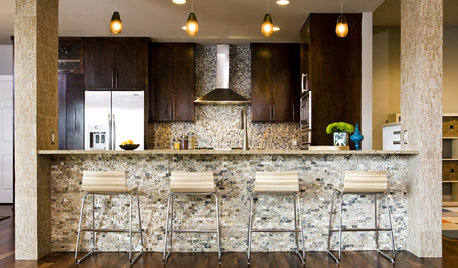
DECORATING GUIDESDesigner Sketch: Allison Jaffe
An Austin interior designer shares a new contemporary kitchen and how she uses technology to design
Full Story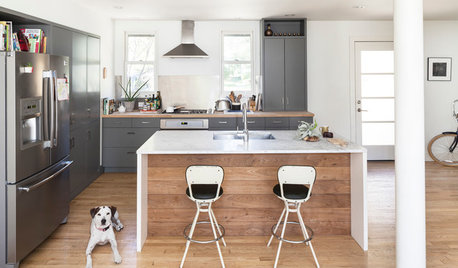
KITCHEN DESIGNNew This Week: 4 Subtle Design Ideas With Big Impact for Your Kitchen
You’ve got the cabinets, countertops and appliances in order. Now look for something to make your space truly stand out
Full Story
weidiii
hgluckman
Related Professionals
Montgomery Kitchen & Bathroom Designers · Gainesville Kitchen & Bathroom Designers · Topeka Kitchen & Bathroom Designers · Meridian Kitchen & Bathroom Designers · Waco Kitchen & Bathroom Designers · Anniston Kitchen & Bathroom Designers · Minneapolis Kitchen & Bathroom Designers · Wilmington Kitchen Remodelers · Orangeburg Kitchen Remodelers · Harrisonburg Kitchen Remodelers · Nashua Kitchen Remodelers · Newport News Custom Countertops · Niles Custom Countertops · Newark Custom Countertops · Los Angeles Custom Countertopssegbrown
artemis78
artemis78