

Need CL selling advice
18 years ago
Sort by:Oldest
Comments (12)
Related Stories
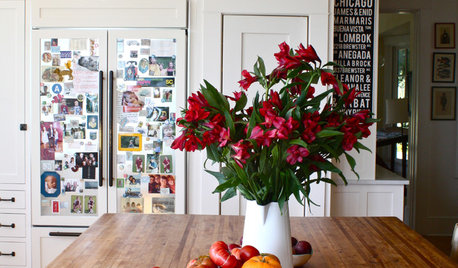
DECORATING GUIDES10 Design Tips Learned From the Worst Advice Ever
If these Houzzers’ tales don’t bolster the courage of your design convictions, nothing will
Full Story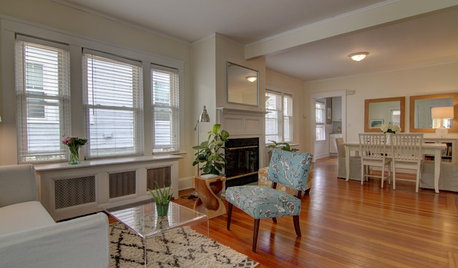
SELLING YOUR HOUSEA Moving Diary: Lessons From Selling My Home
After 79 days of home cleaning, staging and — at last — selling, a mom comes away with a top must-do for her next abode
Full Story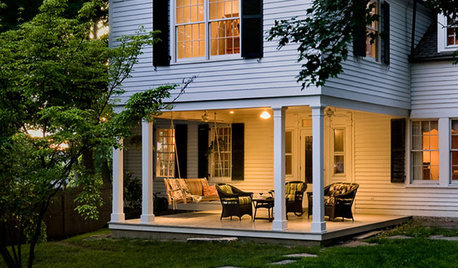
SELLING YOUR HOUSEThe Latest Info on Renovating Your Home to Sell
Pro advice about where to put your remodeling dollars for success in selling your home
Full Story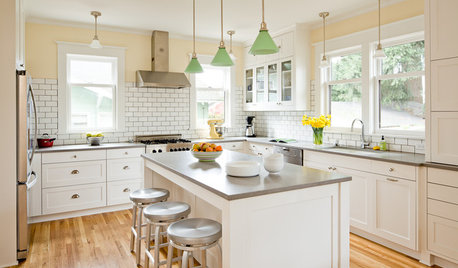
MOVINGThe All-in-One-Place Guide to Selling Your Home and Moving
Stay organized with this advice on what to do when you change homes
Full Story
KITCHEN DESIGNSmart Investments in Kitchen Cabinetry — a Realtor's Advice
Get expert info on what cabinet features are worth the money, for both you and potential buyers of your home
Full Story
LIFEGet the Family to Pitch In: A Mom’s Advice on Chores
Foster teamwork and a sense of ownership about housekeeping to lighten your load and even boost togetherness
Full Story
FARM YOUR YARDAdvice on Canyon Farming From L.A.'s Vegetable Whisperer
See how a screened garden house and raised beds help an edible garden in a Los Angeles canyon thrive
Full Story
SELLING YOUR HOUSESell Your Home Fast: 21 Staging Tips
Successful staging is key to selling your home quickly and at the best price. From cleaning to styling, these tips can help
Full Story
SELLING YOUR HOUSE5 Savvy Fixes to Help Your Home Sell
Get the maximum return on your spruce-up dollars by putting your money in the areas buyers care most about
Full Story
DECORATING GUIDES7 Tips to Sell Your Home Faster to a Younger Buyer
Draw today's home buyers by appealing to their tastes, with these guidelines from an expert decorator
Full Story


My3dogs ME zone 5A
UserOriginal Author
Related Professionals
Branson Interior Designers & Decorators · Augusta Interior Designers & Decorators · Brainerd Interior Designers & Decorators · Lincoln Interior Designers & Decorators · Wheeling Interior Designers & Decorators · Guymon Interior Designers & Decorators · Williston Interior Designers & Decorators · Columbus Kitchen & Bathroom Designers · Torrington Kitchen & Bathroom Designers · Davenport Kitchen & Bathroom Designers · Janesville Kitchen & Bathroom Designers · Rocky Mount Furniture & Accessories · Zanesville Furniture & Accessories · Temecula Furniture & Accessories · San Angelo Furniture & AccessoriesMy3dogs ME zone 5A
UserOriginal Author
UserOriginal Author
compumom
My3dogs ME zone 5A
UserOriginal Author
cooperbailey
UserOriginal Author
Valerie Noronha
UserOriginal Author