

help - FAQ info missing from 'New to Kitchens?' thread
15 years ago
Sort by:Oldest
Comments (5)

Related Stories
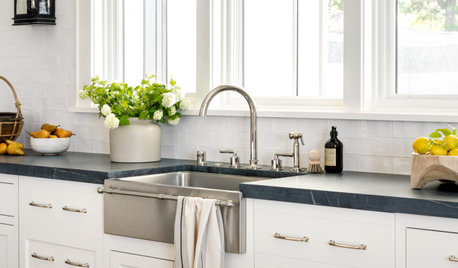
KITCHEN DESIGN8 Kitchen Sink Materials to Consider
Learn the pros and cons of these common choices for kitchen sinks
Full Story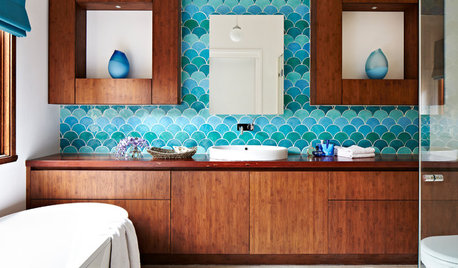
REMODELING GUIDES10 Features That May Be Missing From Your Plan
Pay attention to the details on these items to get exactly what you want while staying within budget
Full Story
MOST POPULAR7 Ways to Design Your Kitchen to Help You Lose Weight
In his new book, Slim by Design, eating-behavior expert Brian Wansink shows us how to get our kitchens working better
Full Story
KITCHEN DESIGNPearls of Wisdom From a Real-Life Kitchen Remodel
What your best friend would tell you if you were embarking on a renovation and she'd been there, done that
Full Story
WORKING WITH PROSInside Houzz: What You Can Learn From a Houzz Photo
Get access to the designer's info, product names, other photos in the project and much more by clicking on a Houzz image
Full Story
MOST POPULAR9 Real Ways You Can Help After a House Fire
Suggestions from someone who lost her home to fire — and experienced the staggering generosity of community
Full Story
DECLUTTERINGDownsizing Help: Choosing What Furniture to Leave Behind
What to take, what to buy, how to make your favorite furniture fit ... get some answers from a homeowner who scaled way down
Full Story
LIFEDecluttering — How to Get the Help You Need
Don't worry if you can't shed stuff and organize alone; help is at your disposal
Full Story
MOST POPULARFrom the Pros: How to Paint Kitchen Cabinets
Want a major new look for your kitchen or bathroom cabinets on a DIY budget? Don't pick up a paintbrush until you read this
Full Story
MOVINGRelocating Help: 8 Tips for a Happier Long-Distance Move
Trash bags, houseplants and a good cry all have their role when it comes to this major life change
Full Story

Buehl
breezygirl
Related Professionals
Rome Kitchen & Bathroom Designers · Vicksburg Kitchen & Bathroom Designers · Coeur d'Alene Kitchen & Bathroom Designers · Kissimmee Kitchen Remodelers · Great Bend Kitchen Remodelers · Hopkinsville Kitchen Remodelers · Williamsburg Kitchen Remodelers · Clarksburg Kitchen Remodelers · Erie Kitchen Remodelers · Provo Kitchen Remodelers · Morgan City Custom Countertops · Cherry Hill Custom Countertops · Providence Custom Countertops · Brattleboro Custom Countertops · Calgary Custom Countertopslisa_aOriginal Author
Buehl
lisa_aOriginal Author