

U-Shaped Island
7 years ago
last modified: 7 years ago
Sort by:Oldest
Comments (8)
Related Stories
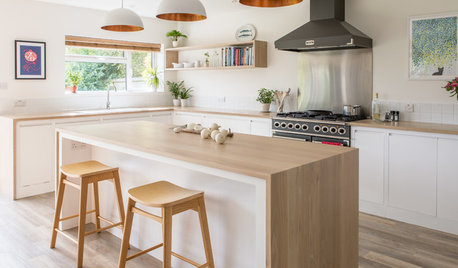
KITCHEN DESIGNOdd Walls Make Way for a U-Shaped Kitchen With a Big Island
American oak and glints of copper warm up the white cabinetry and open plan of this renovated English kitchen
Full Story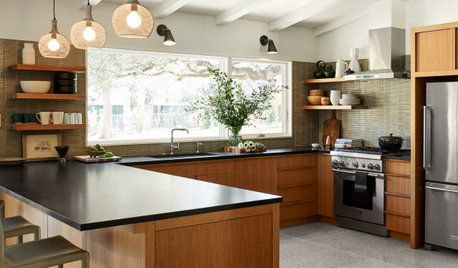
KITCHEN LAYOUTSHow to Plan the Perfect U-Shaped Kitchen
Get the most out of this flexible layout, which works for many room shapes and sizes
Full Story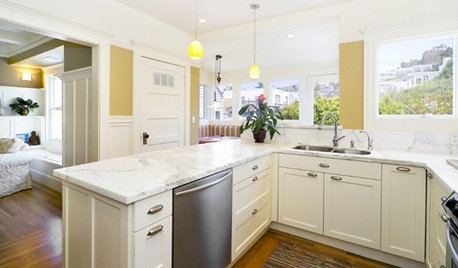
KITCHEN DESIGNKitchen Layouts: Ideas for U-Shaped Kitchens
U-shaped kitchens are great for cooks and guests. Is this one for you?
Full Story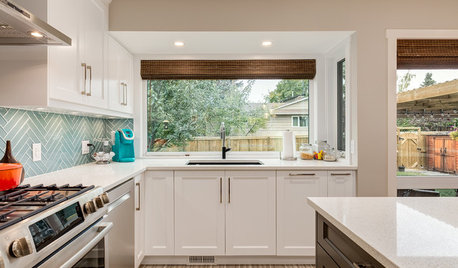
KITCHEN MAKEOVERSA U-Shaped Kitchen Opens Up
Dark cabinets and dated tile were keeping a cook away. A new layout and brighter finishes make the space more inviting
Full Story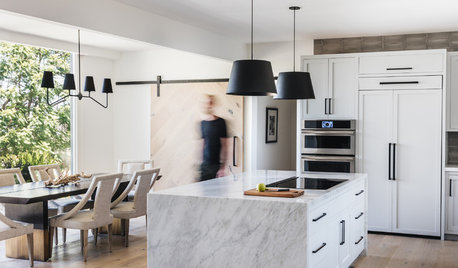
LATEST NEWS FOR PROFESSIONALSHow the Island Is Shaping the Kitchen of the Future
Pros weigh in on why the island is turning into the superstar of the kitchen — and where kitchen design is headed
Full Story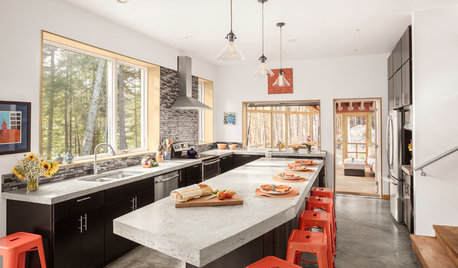
KITCHEN ISLANDSNew This Week: 5 Kitchen Island Shapes You Haven’t Thought Of
Going a bit abstract with your island design can get you more room for seating, eating, prep and personal style
Full Story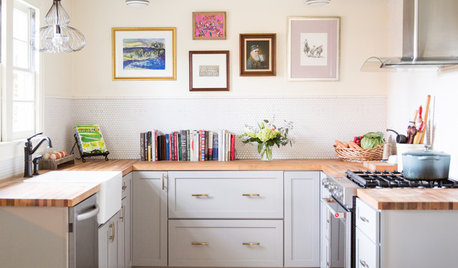
KITCHEN LAYOUTS7 Small U-Shaped Kitchens Brimming With Ideas
U layouts support efficient work triangles, but if space is tight, these tricks will keep you from feeling hemmed in
Full Story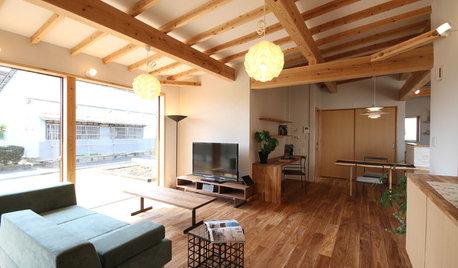
HOMES AROUND THE WORLDHouzz Tour: In Japan, a U-Shaped House Made With Natural Materials
Living areas are in one building and private sleeping areas are in another. A kitchen bridges the two structures
Full Story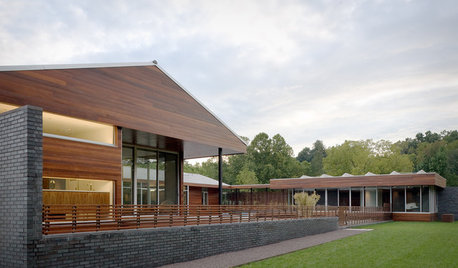
REMODELING GUIDESHome Designs: The U-Shaped House Plan
For outdoor living spaces and privacy, consider wings around a garden room
Full Story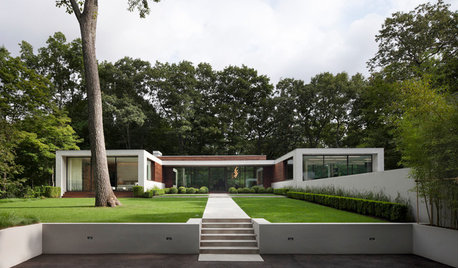
MODERN HOMESHouzz Tour: New Home’s U Shape Lets the Forest In
An architectural gem in Connecticut has two levels of glass walls providing beautiful views of the surrounding trees
Full Story

Diana Bier Interiors, LLC
Buehl
Related Professionals
Binghamton Interior Designers & Decorators · West Palm Beach Architects & Building Designers · Anniston Architects & Building Designers · Concord Architects & Building Designers · Riverside Architects & Building Designers · Albuquerque Architects & Building Designers · Salem Architects & Building Designers · New Orleans Kitchen & Bathroom Designers · Leamington Kitchen & Bathroom Designers · Philadelphia Kitchen & Bathroom Designers · Chillicothe Kitchen & Bathroom Designers · Santa Barbara Kitchen & Bathroom Designers · Queens Kitchen & Bathroom Designers · Fergus Falls Kitchen Remodelers · Saint Marys Custom CountertopsBuehl
Lorka LorkaOriginal Author
course411
Lorka LorkaOriginal Author
Lorka LorkaOriginal Author
Buehl