

advantium touch screen - microwave controls?
3 years ago
Featured Answer
Sort by:Oldest
Comments (12)
 3 years ago
- 3 years ago
Related Professionals
Natchez Kitchen & Bathroom Designers · San Bernardino Kitchen & Bathroom Designers · Victoria Kitchen & Bathroom Designers · Lima Kitchen Remodelers · Grand Rapids Home Remodeling · Dodge City Home Remodeling · Edmonton Home Remodeling · Gainesville Kitchen Remodelers · Greenfield Kitchen Remodelers · Columbia Bathroom Remodelers · Gainesville Kitchen & Bathroom Designers · Cambridge Kitchen & Bathroom Designers · Redding Kitchen Remodelers · Burlington Custom Countertops · Ottawa Custom Countertops- 3 years ago
- 3 years ago
- 3 years ago
- 3 years ago
- 3 years ago
- 3 years ago
- 3 years ago
- 3 years ago
- 3 years ago

Related Stories
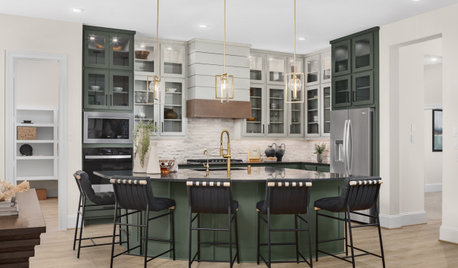
KITCHEN APPLIANCES9 Places to Put the Microwave in Your Kitchen
See the pros and cons of locating your microwave above, below and beyond the counter
Full Story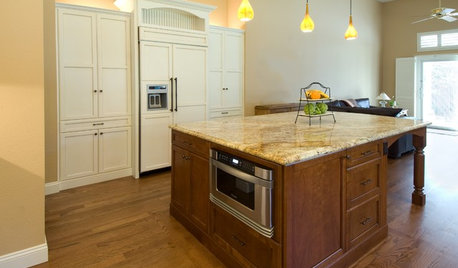
KITCHEN DESIGNDiscover the Pull of Microwave Drawers
More accessible, less noticeable and highly space efficient, microwave drawers are a welcome newcomer in kitchen appliances
Full Story
KITCHEN DESIGN12 Farmhouse Touches That Bring Homeyness to a Kitchen
Shaker cabinetry, country-store-inspired hardware, barn elements or a key piece of art will add homestead appeal to your kitchen
Full Story
KITCHEN DESIGN12 Rustic Touches That Add Warmth to a Kitchen
Exposed beams, chandeliers, farm tables or just a key accessory or two can bring some coziness to the heart of your home
Full Story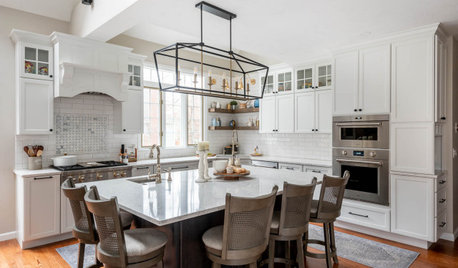
KITCHEN MAKEOVERSKitchen of the Week: Bright, White and Open With Elegant Touches
A kitchen remodeling team creates a timeless look with a breezy layout, light finishes, a wood island and mixed metals
Full Story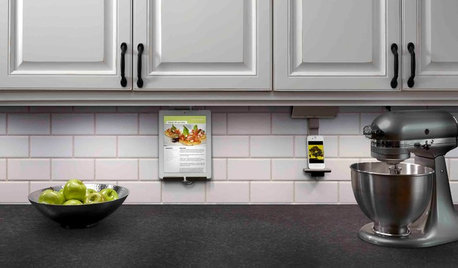
KITCHEN DESIGNHouzz Call: What’s Cooking in Your Kitchen?
Most of us turn to recipes, videos and culinary shows when we cook. Where do you set your cookbook, tablet or TV screen?
Full Story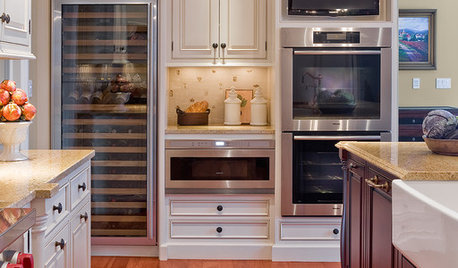
KITCHEN DESIGNGlued to the Tube: 14 Ways to Put a TV in the Kitchen
If you must, here's how to work a flat screen into your kitchen design
Full Story
HOME TECHThe Future of Home Automation: Cheap, Wearable and Mobile!
Look for smart watches and glasses that can control your smart-phone apps, which in turn automate your home equipment
Full Story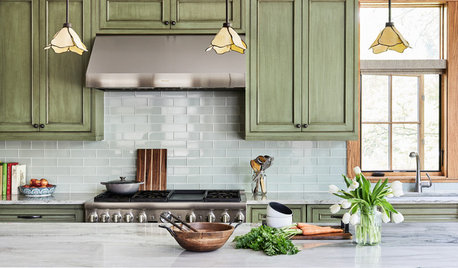
KITCHEN DESIGN11 Must-Haves in a Designer’s Dream Kitchen
Custom cabinets, a slab backsplash, drawer dishwashers — what’s on your wish list?
Full Story
HOME TECHCook Smarter With New Wi-Fi Kitchen Gadgets
Whip up meals with high-tech help, thanks to a phone-connected oven and teakettle, plus a web-surfing cutting board
Full Story
ifoco