

Saved photos
12 years ago
Sort by:Oldest
Comment (1)
Related Stories
HOME OFFICESThe 20 Most Popular Home Office Photos of 2015
Technology paves the way for space-saving work areas, while designers make up for small sizes with style
Full Story
LANDSCAPE DESIGNGet Along With Less Lawn — Ideas to Save Water and Effort
Ditch the mower and lower your water bill while creating a feast for the eyes with diverse plantings and gathering places
Full Story
SAVING WATER6 Reasons Why You Should Save Your Rainwater Now
Collect and store during the rainy season so you’ll have water ready for irrigation when you need it
Full Story
SELLING YOUR HOUSESave Money on Home Staging and Still Sell Faster
Spend only where it matters on home staging to keep money in your pocket and buyers lined up
Full Story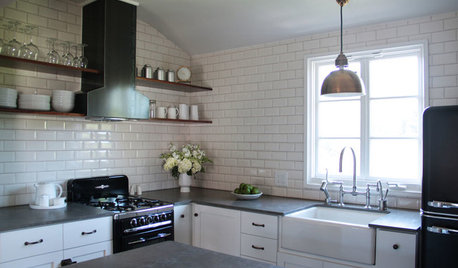
KITCHEN DESIGN10 Big Space-Saving Ideas for Small Kitchens
Feeling burned over a small cooking space? These features and strategies can help prevent kitchen meltdowns
Full Story
LANDSCAPE DESIGNWater-Saving Landscaping Ideas for Traditional Homes
Who says you need a lawn and roses in front of your traditional house? Try some of these drought-tolerant beauties instead
Full Story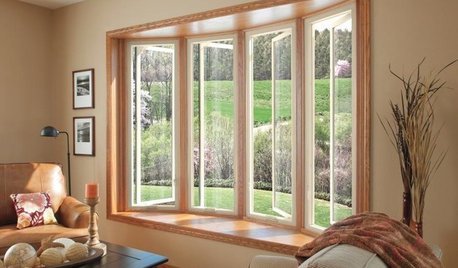
GREAT HOME PROJECTSUpgrade Your Windows for Beauty, Comfort and Big Energy Savings
Bid drafts or stuffiness farewell and say hello to lower utility bills with new, energy-efficient windows
Full Story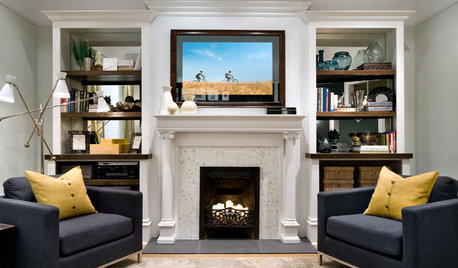
HOME TECHSave Your Decor — Hide Your Media Stuff
When you tuck boxes, wires and speakers into walls and ceilings, all you'll notice is your favorite shows or music
Full Story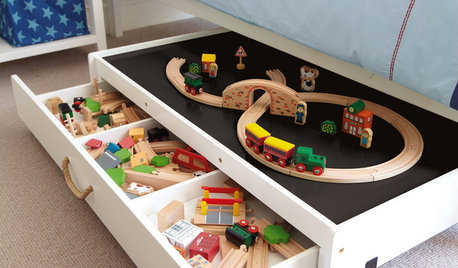
PRODUCT PICKSGuest Picks: Space-Saving Multipurpose Furniture
Get more bang for your buck — and more space for other things — with furniture designed to work extra hard
Full Story
KITCHEN CABINETS9 Ways to Save Money on Kitchen Cabinets
Hold on to more dough without sacrificing style with these cost-saving tips
Full Story

osprey06