

Simple website or app for drawing floorplans?
9 years ago
Featured Answer
Sort by:Oldest
Comments (9)
 PRO9 years ago
 9 years ago
Related Professionals
Cumberland Architects & Building Designers · Saint Joseph Architects & Building Designers · Nashville Architects & Building Designers · New London Architects & Building Designers · Jamestown Architects & Building Designers · Mission Viejo Architects & Building Designers · Santa Fe Architects & Building Designers · Magnolia Design-Build Firms · Gainesville Design-Build Firms · Tallahassee Design-Build Firms · Hopkinsville Design-Build Firms · Lake Havasu City Design-Build Firms · Bartlesville Home Builders · Moline Home Builders · Lincoln Home Builders 9 years ago
- PRO9 years ago
- 9 years ago
- 9 years ago
- 9 years ago
 9 years ago
Related Stories
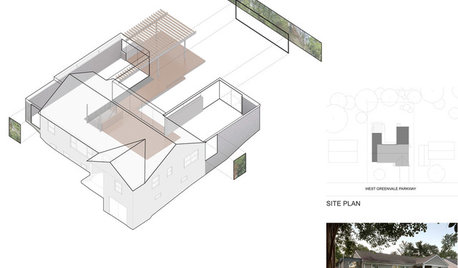
DESIGN PRACTICEDesign Practice: How to Pick the Right Drawing Software
Learn about 2D and 3D drawing tools, including pros, cons and pricing — and what to do if you’re on the fence
Full Story
DECORATING GUIDESHome Accessorizing Made Simple
Get the principles of displaying accessories down pat to give your home some soul
Full Story
INSIDE HOUZZInside Houzz: Explore Sketch, a New Way to Bring Design Ideas to Life
Update your Houzz app to get Sketch for iOS and Android
Full Story
ARCHITECTUREDesign Practice: The Basics of Marketing Your Business
Pro to pro: Attract clients and get paying work by drawing attention to your brand in the right places
Full Story
HOUZZ TOURSMy Houzz: A Hilltop Family Home in Santa Cruz
Couple draws dream home inspiration from 'A Pattern Language' in thoughtfully placing windows, nooks and heirlooms
Full Story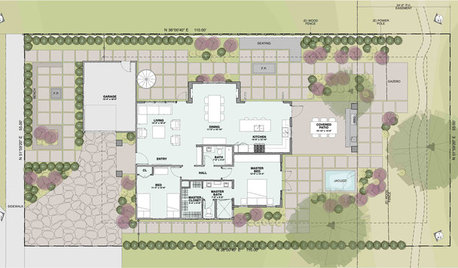
ARCHITECTUREThe ABCs of CAD
Computers help architects produce countless renderings and shorten lead times. But still there's one big thing CAD can't do
Full Story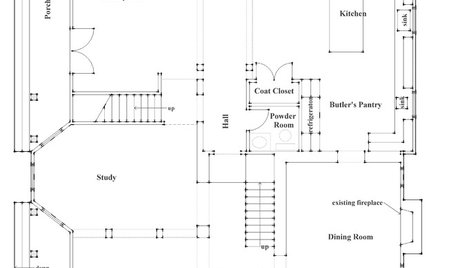
REMODELING GUIDESHow to Read a Floor Plan
If a floor plan's myriad lines and arcs have you seeing spots, this easy-to-understand guide is right up your alley
Full Story
ARCHITECTUREHouzz Call: Show Us Your Logo!
A picture is worth a thousand words, but your company’s symbol may be worth its weight in gold. We’d like to hear the graphic details
Full Story
WORKING WITH AN ARCHITECTWho Needs 3D Design? 5 Reasons You Do
Whether you're remodeling or building new, 3D renderings can help you save money and get exactly what you want on your home project
Full Story
KITCHEN DESIGNHow to Set Up a Kitchen Work Triangle
Efficiently designing the path connecting your sink, range and refrigerator can save time and energy in the kitchen
Full Story



Lindsy