

OT perhaps: Do you keep a journal on your computer?
21 years ago
Sort by:Oldest
Comments (2)
Related Stories
DECORATING GUIDESEdit Keepsakes With Confidence — What to Let Go and What to Keep
If mementos are weighing you down more than bringing you joy, here's how to lighten your load with no regrets
Full Story
DECORATING GUIDESDitch the Rules but Keep Some Tools
Be fearless, but follow some basic decorating strategies to achieve the best results
Full Story
MOST POPULAR10 Strategies for Keeping Surfaces Clutter-Free
The universe wants your coffee table to become a clutter magnet — but you can fight back
Full Story
ENTERTAININGGenius Home Prep: A Guest Room in a Box
No dedicated guest room? Make hosting overnighters easier by keeping the essentials in one place
Full Story
DECLUTTERINGDecluttering — Don't Let Fear Hold You Back
Sure, you might make a mistake when tackling a decluttering project, but that's OK. Here's why
Full Story
LIFEWhy We Want a House With a Great View
Research shows that just looking at nature has powerful mental benefits. Here's how to get a boost — with or without a million-dollar view
Full Story
FEEL-GOOD HOME12 Very Useful Things I've Learned From Designers
These simple ideas can make life at home more efficient and enjoyable
Full Story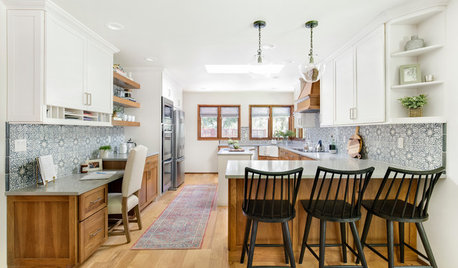
KITCHEN DESIGN6 Elements of an Effective Kitchen Office
Create a successful mini workspace with these features in mind
Full Story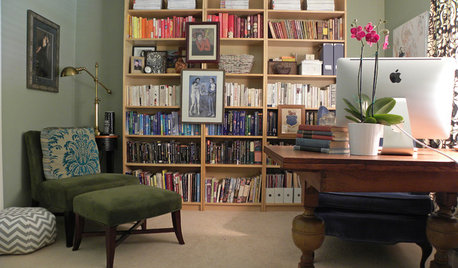
LIFESimple Pleasures: A Room of Your Own
Free up space for your own creative or meditative pursuits, and your dreams may have freer rein too
Full Story
BEDROOMSIdeabook 911: Desks in the Bedroom — Yea or Nay?
Does a Desk Belong in Your Sleeping Quarters? 14 Reasons to Say Yes
Full Story

ericasj
alicesRestaurant
Related Professionals
Elizabeth City Custom Closet Designers · Petersburg Custom Closet Designers · Portsmouth Custom Closet Designers · Cumberland Interior Designers & Decorators · Laredo Interior Designers & Decorators · Cedar Rapids Interior Designers & Decorators · Norfolk Interior Designers & Decorators · Keene Interior Designers & Decorators · Orlando Home Remodeling · Waycross Home Remodeling · Greenfield Home Remodeling · Springfield Home Remodeling · Watertown Home Remodeling · Casper Home Remodeling · Kahului Home Remodeling