

Posting/deleting pics
11 years ago
Featured Answer
Sort by:Oldest
Comments (16)
 11 years ago
Related Professionals
Tampa Landscape Architects & Landscape Designers · Hudson Landscape Architects & Landscape Designers · Bridgeport Landscape Architects & Landscape Designers · Paducah Landscape Contractors · Huntsville Landscape Contractors · Ardmore Landscape Contractors · McAllen Landscape Contractors · Omaha Landscape Contractors · Keene Landscape Contractors · Erie Landscape Contractors · York General Contractors · Morgantown General Contractors · Lafayette General Contractors · Lansing General Contractors · Cleveland General Contractors- 11 years ago
 11 years ago
 11 years ago
 11 years ago
- 11 years ago
 11 years agolast modified: 11 years ago
- 11 years ago
- 11 years ago
- 11 years ago
 11 years ago
- 11 years ago
- 11 years agolast modified: 11 years ago
- 11 years ago
- 11 years ago



Related Stories

LIFEHouzz Call: Who'll Post the First Snow Photo of 2013?
If the weather's been flaky in your neck of the woods, please show us — and share how you stay warm at home
Full Story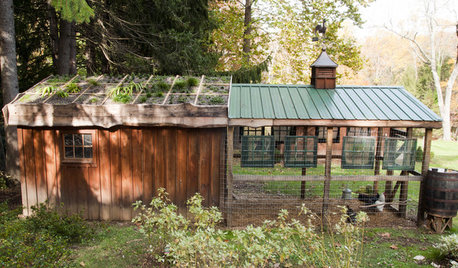
FARM YOUR YARDHouzz Call: Show Us Your One-of-a-Kind Chicken Coops
Do you have a fun or stylish backyard shelter for your feathered friends? Post your pictures and stories in the Comments!
Full Story
MOST POPULAR40 Dogs Who Are Having a Way Better Summer Than You
Houzzers share pics of their canine companions living it up — or getting down with relaxing — on warm days
Full Story
PETSHouzz Pet of the Week: Thurza Honeybunny
You Sent Us Your Pet Pics, and We Fell in Love Over and Over Again. See Why
Full Story
PETSHouzz Call: Looking for Dogs in Design
Share a Pic of Your Pet, and He or She Could Star on Our Homepage
Full Story
Call for DIY Projects: Show Us What You've Got!
Share a Pic of Your Handiwork with the Houzz Community
Full Story
HOLIDAYSHouzz Call: Show Us Your Christmas Tree!
How lovely are your branches? Post a picture and share your stories
Full Story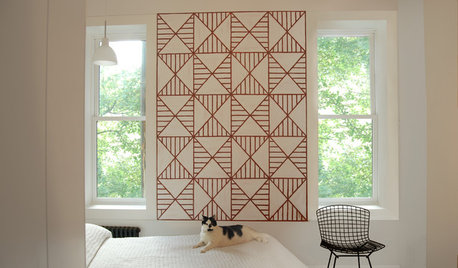
PETSHouzz Call: Send in the Design Cats
Post your best photo of your cat at home, in the garden or with you in your studio. It could be published in a featured ideabook
Full Story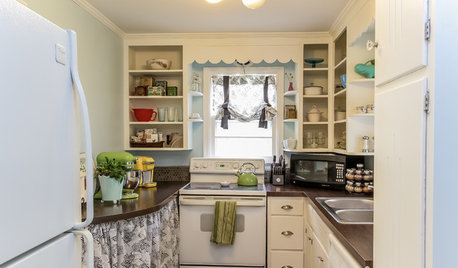
KITCHEN DESIGNShow Us Your Compact Kitchen
Do you have a tiny kitchen that works well for you? Post your pictures in the Comments
Full Story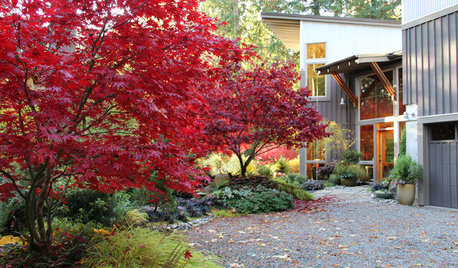
FALL GARDENINGHouzz Call: Show Us Your Fall Color!
Post pictures of your fall landscape — plants, leaves, wildlife — in the Comments section. Your photo could appear in an upcoming article
Full Story

greenclaws UK, Zone 8aOriginal Author